

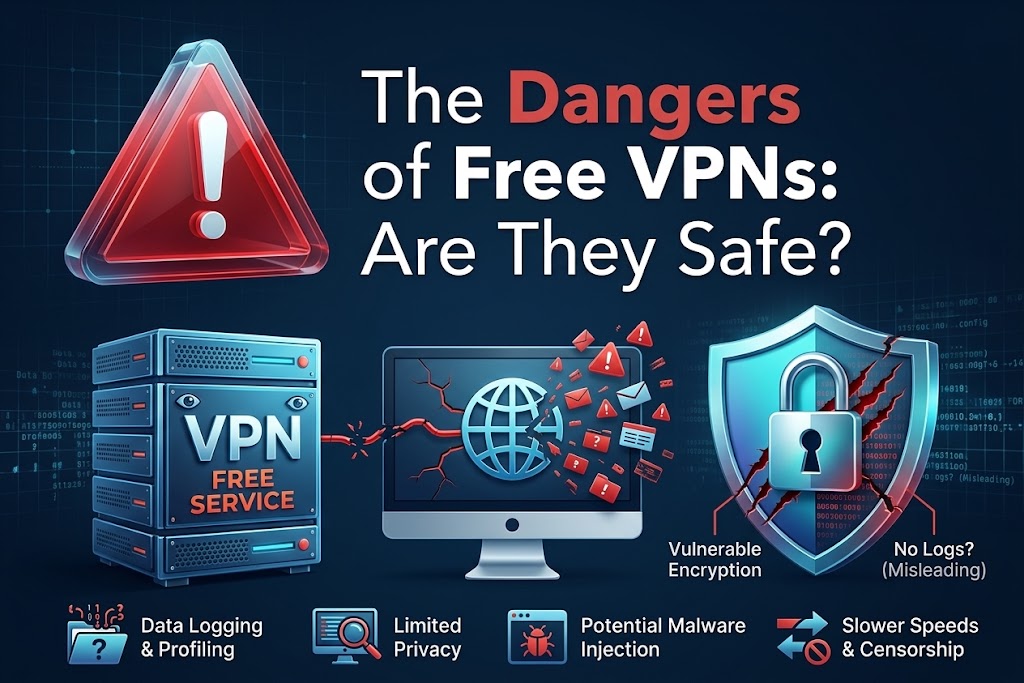
A VPN does not remove the need for trust; it partly moves that trust from your internet provider or local network to the VPN company. Before installing a free VPN, check who operates it, what information it collects, which permissions it requests and how the service makes money.
Before Installing a Free VPN, Check What You May Be Giving It Access To
Free VPN apps promise privacy, safer browsing and a quick way to protect your internet connection, but the moment you activate one, a significant portion of your device's network traffic may begin travelling through infrastructure operated by somebody else.
Installing a VPN normally gives the service an unusually important position in your internet connection because traffic from your device can be sent through the VPN tunnel before continuing to websites and online services.
On Android, Google explains that its VpnService allows qualifying apps to create a secure device-level tunnel to a remote server. Google also prohibits VPN apps distributed through Google Play from collecting personal and sensitive information without appropriate disclosure and consent, and requires traffic between the device and VPN endpoint to be encrypted.
That is reassuring, but it does not mean every VPN deserves automatic trust. Before pressing Connect, you should understand what the provider collects, what additional phone permissions the app requests, whether the company's identity is clear and what finances a service you are receiving for free.
A VPN can sit between your phone and the wider internet
When you browse normally, your device communicates with websites and online services through your mobile network or Wi-Fi connection, activate a VPN and that route changes. Google's Android VPN documentation explains that, unless specific apps are excluded, network traffic can be sent through the VPN connection. This is why VPNs can hide your public IP address from the websites you visit and protect traffic travelling between your device and the VPN server. It also explains why choosing the provider matters.
Your VPN company operates infrastructure through which that connection passes, so you should not treat an unknown VPN app as though it were merely another calculator, wallpaper or photo-editing application. The better question is not simply "Does this VPN encrypt my connection?" It is also "Who am I trusting with that connection?"
HTTPS still protects much of what you send
Giving a VPN control of your network route does not necessarily mean the provider can read every password, private message or banking transaction travelling through it. Most modern websites use HTTPS, which encrypts information between your browser and the website. The US Federal Trade Commission notes in its current guidance on public Wi-Fi that widespread website encryption has made public Wi-Fi considerably safer than it once was.
The UK's National Cyber Security Centre has similarly noted that most modern internet services use TLS encryption and that placing all general web traffic inside an additional tunnel may provide only limited additional security in some circumstances.
A VPN provider may nevertheless be able to learn useful information about your connection, such as your originating IP address, connection times, the amount of data transferred and potentially information about the services or destinations your device communicates with, depending on how the VPN and DNS configuration work. That makes the provider's logging and privacy practices important even when the actual contents of an HTTPS connection remain encrypted.
Check what the app asks permission to access
The VPN connection itself is only part of the privacy question. A VPN application is still an app installed on your phone, which means it may request additional device permissions.
On an iPhone, for example, apps can separately request permission to information such as your location, contacts, photos, camera and microphone. Apple allows these permissions to be reviewed under Privacy & Security settings. The same principle applies on Android: pay attention to permissions that appear unrelated to the service you are installing.
A VPN may reasonably need to establish a VPN connection, you should ask more questions if a basic VPN also insists on access to things such as your contacts, microphone, photos or precise location without clearly explaining why that information is necessary. Do not simply press Allow repeatedly because you want to reach the app's Connect button.
"Free" should make you ask how the company earns money
Running VPN servers costs money, companies pay for servers, bandwidth, app development, customer support and security maintenance, so a free service needs some way of funding those expenses. That does not mean a free VPN automatically sells your browsing history.
Some reputable companies offer limited free plans to attract customers to their paid services, while others may use advertising or impose restrictions on data, locations or speed. The important part is transparency. Before installing one, read its privacy policy and look specifically for explanations covering:
- browsing or network activity;
- IP addresses;
- device identifiers;
- location information;
- advertising and analytics;
- information shared with third parties;
- how long logs are retained;
- whether you can request deletion of your information.
Google's current VpnService policy specifically prohibits apps using its VPN service from collecting personal and sensitive user data without prominent disclosure and consent, while traffic from the device to the VPN endpoint must be encrypted. A privacy policy that is extremely vague about these issues should therefore make you cautious.
A huge download count is not a privacy audit
Millions of downloads, high star ratings and a professional-looking interface can make an app feel trustworthy, but none of those things independently proves how the company handles network data.
Look beyond the rating, check whether you can identify the company operating the VPN, whether it maintains an understandable privacy policy, whether there is a legitimate support channel and whether its claims about logging have undergone credible independent scrutiny.
Be particularly cautious with absolute marketing promises such as "100% anonymous". A VPN can hide your normal public IP address from websites and provide an encrypted tunnel to its server, but it does not make you invisible online. Websites can still recognise signed-in accounts, cookies and other identifiers, while the VPN provider itself knows that your device connected to its infrastructure.
Your phone can help you inspect suspicious behaviour
You are not limited to trusting the app's marketing page. On iPhone, Apple's App Privacy Report can show information including how apps use certain permissions and which internet domains they contact. Apple specifically recommends reviewing an application's privacy policy when network activity or data access looks unexpected.
Android users can similarly inspect individual app permissions through their device settings and remove access that does not appear necessary. If a VPN stops functioning merely because you refuse access to something that appears completely unrelated to creating a network connection, find out why before granting it.
Free VPN does not automatically mean bad VPN
There are legitimate free VPN services, there are also questionable ones. The mistake is judging their safety purely by price. A paid VPN operated by an irresponsible company can mishandle information, while a reputable provider might offer a genuinely useful free tier funded by paying customers. What matters more is the provider's business model, technical security, privacy practices, ownership and willingness to explain what happens to your information.
Our Recommendation
Treat a VPN as a privacy decision, not merely another utility you install when you need one. Before activating a free VPN, identify the company behind it, read what it says about logs and data sharing, inspect the permissions it requests and understand how the free service is funded.
Most importantly, remember what a VPN actually changes: you are creating an encrypted route through another company's infrastructure. That company should therefore earn your trust before you send your internet traffic through its servers, not after.
Sources & Verification
Google Android Enterprise Help — Set up VPN on Android devices
US FTC — Are Public Wi-Fi Networks Safe? What You Need To Know
Google Play Console Help — Permissions and APIs that Access Sensitive Information
Frequently asked questions
Can a free VPN see my passwords?
Normally, a properly secured HTTPS website encrypts information such as passwords between your browser and the website, so a VPN provider should not simply be able to read those contents while they are in transit. A malicious app installed on the device, however, creates a different security problem, which is why the reputation and permissions of the VPN application still matter.
Does a VPN make me completely anonymous?
No. A VPN can hide your ordinary public IP address from websites, but websites may still identify you through accounts, cookies and other signals. Your VPN provider also knows that your connection reached its infrastructure.
Are all free VPNs unsafe?
No. Some reputable VPN companies operate free tiers, often with restrictions or as an introduction to paid plans. Evaluate the company and its privacy practices rather than assuming that every free service is dangerous.
Should a VPN need access to my contacts or photos?
A normal VPN connection does not inherently require access to your personal contacts or photo library. If an app requests unrelated permissions, check the developer's explanation before granting them.
Do I need a VPN every time I use public Wi-Fi?
Not necessarily. Modern HTTPS encryption already protects most web traffic in transit, and the FTC says widespread encryption has made public Wi-Fi considerably safer. A trustworthy VPN can provide another layer of protection and privacy, but it should not replace normal security practices such as HTTPS, software updates, strong passwords and two-factor authentication.
SIM Swap Fraud: How Criminals Can Hijack Your Number Without Stealing Your Phone
Truecaller Says a Call Is Spam or Fraud. How Much Should You Trust It?

CBN’s January 2027 Data Rule: What Nigeria’s Banks and Fintechs Actually Have to Move
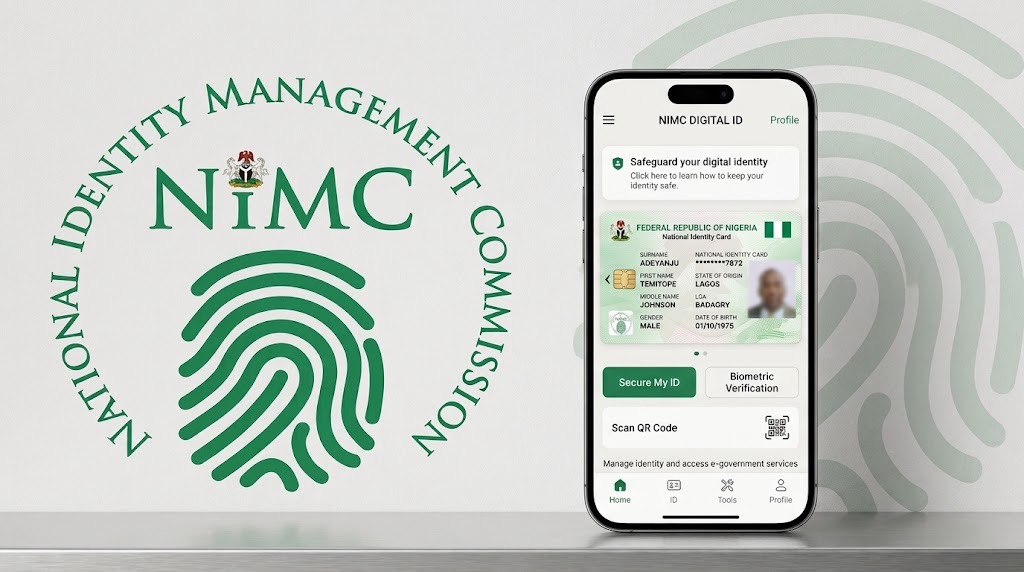
Nigeria Wants Banks and Telcos to Ask Before Checking Your NIN
16,326 Supabase Databases Had Readable Tables. The AI App Boom Is Scaling an Old Security Mistake
Can Someone Hack Your Phone Just by Calling You? Separate Fact From Fear
That Customer Care Account in Your DMs May Be Fake: Here’s How to Check
Follow TechView Africa on WhatsApp
Get TechView Africa updates on WhatsApp. Follow our channel for practical technology news, product guides and digital trends from Nigeria and across Africa.
Leave a comment
Comments cannot be edited or deleted after posting. Please review your comment before submitting.
No comments yet. Start the conversation.