

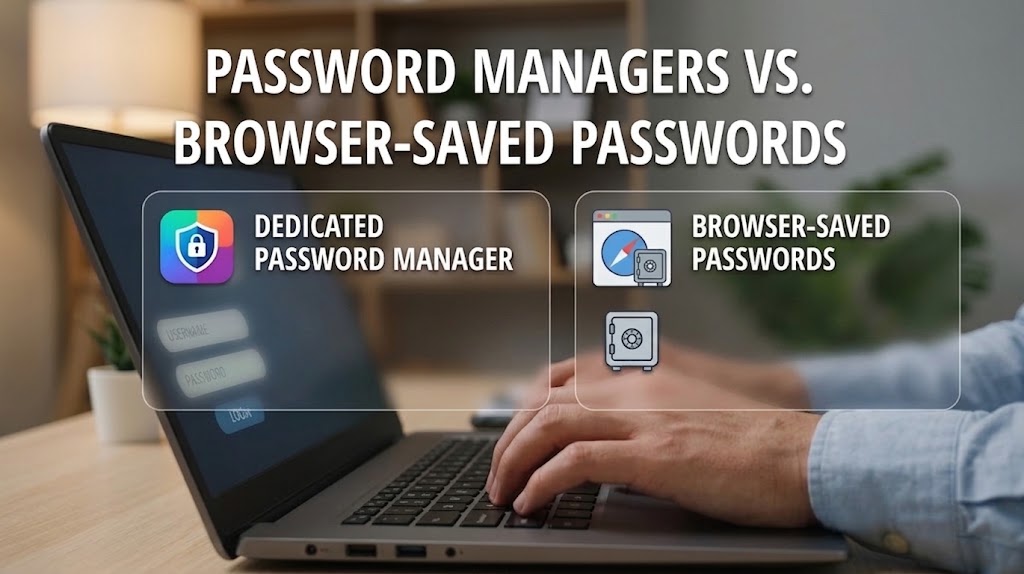
Modern browser password managers are no longer simply insecure lists of saved passwords. Google, Apple and Microsoft now offer encrypted credential storage, password-health checks and passkey support. A dedicated password manager, however, can be a better choice if you use several operating systems or browsers, share credentials securely, manage many important accounts or want your password vault separated from your main browser ecosystem.
Password Manager vs Browser-Saved Passwords
Saving passwords in Chrome, Safari or Edge is far safer than reusing the same password everywhere, but dedicated password managers can offer more control, stronger cross-platform support and additional security tools. The better choice depends less on where the password button sits and more on how well the system protects your accounts.
First, browser-saved passwords are password managers too
The distinction between a “password manager” and “saving passwords in your browser” has become less clear than it once was.
Google Password Manager can store passwords and passkeys in a Google Account and make them available across supported devices. It can also check stored credentials for passwords that have been exposed, reused or considered weak.
Apple now provides a dedicated Passwords app that brings together passwords, passkeys, verification codes and Wi-Fi credentials, with synchronization through iCloud Keychain and support for shared password groups.
Microsoft Edge similarly includes a password manager and Password Monitor, which can alert users when saved credentials match known leaked credentials. Microsoft says the checking process uses encryption designed to prevent the company from learning which stored credentials were compromised.
So the question is no longer:
“Password manager or no password manager?”
It is increasingly:
“Is the password manager built into my browser enough, or would a dedicated service suit me better?”
Where browser password managers have a major advantage: convenience
The biggest strength of browser-based password management is that very little setup is required. If you already use Chrome with your Google Account, Safari with your Apple Account or Edge with your Microsoft Account, saved credentials can appear automatically when you sign in to websites. The same systems can generate strong passwords and increasingly handle passkeys as well.
That convenience matters because security tools only help when people actually use them. Someone who previously reused one password across ten websites but begins allowing their browser to generate and save a different password for each account has made a substantial security improvement.
NIST recommends using password managers because they make it easier to create long, unique passwords without having to remember every credential individually. It also recommends protecting the password manager itself with multifactor authentication where available. CISA similarly recommends password managers as a practical way to generate and maintain strong, unique credentials rather than relying on weak or reused passwords.
Dedicated password managers become more attractive when your digital life gets complicated
The advantages of a dedicated password manager become clearer when someone does not live entirely inside one technology ecosystem.
Imagine using:
- an Android phone;
- a MacBook;
- Firefox for personal browsing;
- Chrome for work;
- an iPad;
- and perhaps a Windows computer occasionally.
A password system tied heavily to one browser or platform can become less convenient in that environment. Dedicated password managers are generally designed to work across multiple operating systems and browsers, allowing the same vault to follow the user rather than the browser.
CISA specifically advises people choosing a password manager to check compatibility with all of their devices, giving the example of someone using Windows, Android and iOS simultaneously. That flexibility can be one of the strongest reasons to move beyond a browser's built-in manager.
Dedicated managers can also offer more advanced features
Another difference is the range of tools surrounding the password vault. Depending on the service and plan, dedicated managers can provide features such as secure credential sharing, family or business vaults, security reports, additional encrypted records and emergency-access arrangements.
Bitwarden, for example, supports an emergency-access system through which a designated trusted contact can request access to a vault under rules established by the account owner. Other dedicated managers offer similar capabilities around sharing, security monitoring and multi-device management.
These features may not matter to someone with relatively straightforward needs, but they can become valuable for families, businesses and people managing a large number of important accounts.
Does that mean browser-saved passwords are unsafe?
No. Calling all browser-saved passwords unsafe is outdated and overly simplistic.
Modern browsers can encrypt stored credentials, synchronize them through protected accounts and warn about known credential breaches. The bigger security question is often what protects the account and device surrounding those passwords.
If your Google, Apple or Microsoft account protects your synchronized password vault, then the security of that central account becomes extremely important. Likewise, if someone gains access to an already-unlocked computer or browser profile, saved credentials may become easier to access or misuse depending on the operating system, browser settings and authentication protections in place. A dedicated password manager creates another layer of separation because the password vault has its own account and authentication system. That can be an advantage, although it also means the password manager's master credential becomes exceptionally important.
CISA recommends understanding exactly how a password manager's master password and account-recovery system work and enabling multifactor authentication where supported. In other words, moving your passwords into a dedicated manager does not eliminate security responsibility.
The bigger danger is password reuse
For most people, the difference between a reputable dedicated manager and a modern browser manager is much less important than the difference between using either of them and reusing passwords.
Credential stuffing attacks rely on criminals taking usernames and passwords exposed in one breach and trying them against other services.
Using a different, randomly generated password for every account limits how far one compromised password can spread. NIST's current guidance emphasizes distinct passwords for different services for precisely this reason.
So if choosing between two password-management systems becomes so complicated that you simply keep using the same memorable password everywhere, you have missed the most important security improvement.
Passkeys are changing the comparison
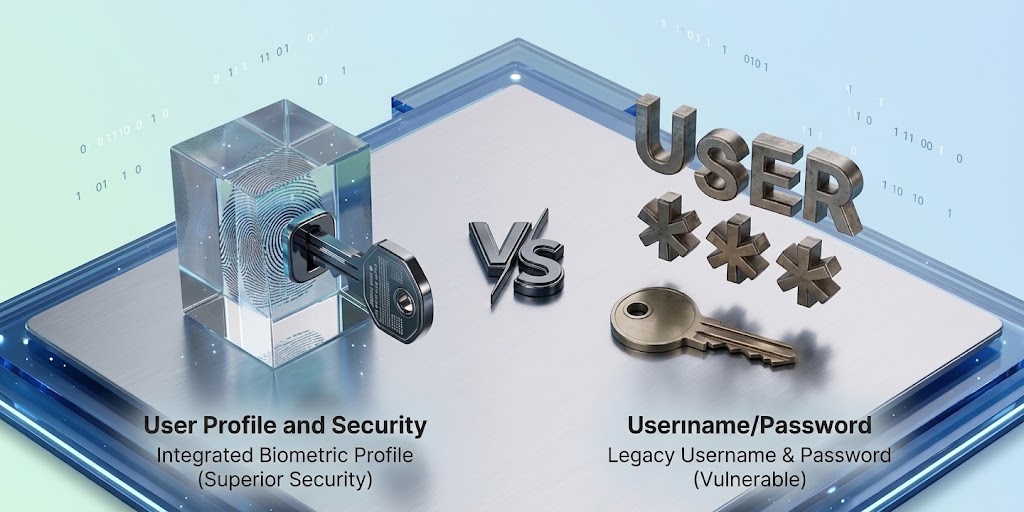
Passwords themselves are also gradually becoming less central. Passkeys allow supported services to authenticate users without requiring a traditional reusable password and are designed to resist common phishing techniques.
Google Password Manager can store and synchronize passkeys alongside passwords, while Apple's Passwords app similarly handles passkeys across supported Apple devices.
This means the password manager you choose today may increasingly become a credential manager, storing a mixture of passwords, passkeys and other authentication information. When deciding between systems, passkey support and how easily credentials move across your devices therefore deserve as much attention as conventional password storage.
Which option should you choose?
If you primarily use one ecosystem — for example, Android and Chrome or Apple devices and Safari — the built-in password manager may already provide everything you genuinely need. It is convenient, integrated and considerably better than memorizing a handful of repeated passwords.
A dedicated password manager makes more sense when you regularly move between different browsers and operating systems, manage many sensitive accounts, need secure sharing or want additional separation between your browser account and your credential vault.
Whichever option you choose, protect the account controlling the vault with strong authentication, keep your devices secured and enable breach or password-health alerts where available.
Our Recommendation
For most people, using a reputable browser password manager properly is better than avoiding password managers because you think only a dedicated app is secure.
The real priorities are unique credentials, strong protection for the vault account, multifactor authentication or passkeys, and prompt action when a password is exposed.
For users who work across several ecosystems, manage sensitive business accounts or want advanced sharing and recovery controls, a reputable dedicated password manager is usually the more flexible choice.
But switching password managers matters far less than stopping password reuse.
Verification Links
Sources & Verification
Apple — Use Passwords on iPhone
CISA — Use a Password Manager to Create and Remember Strong Passwords
Google — Use Passwords and Passkeys Across Your Devices
Frequently asked questions
Is saving passwords in Chrome safe?
Google Password Manager stores passwords and passkeys through a Google Account and provides tools for detecting exposed, weak and reused passwords. Its security still depends heavily on protecting your Google Account and devices properly.
Is Apple's Passwords app a password manager?
Yes. Apple's Passwords app manages passwords, passkeys, verification codes, Wi-Fi passwords and shared credential groups, with synchronization available through iCloud Keychain.
Should I stop saving passwords in my browser?
Not necessarily. If your browser's password manager fits your devices and you protect its associated account properly, it can be a reasonable choice. A dedicated manager becomes more compelling when you need stronger cross-platform flexibility or advanced vault features.
What happens if my password manager is hacked?
Password managers concentrate valuable credentials in one place, which is why the account protecting the vault deserves particularly strong security. Enable multifactor authentication or passkeys where available and choose a reputable provider with clearly documented security and recovery practices.
Is a password manager better than remembering my passwords myself?
For most people with many accounts, yes. NIST and CISA both recommend password managers because they make it practical to use long, unique credentials rather than reusing passwords or storing them insecurely.
Your Email Account Is the Master Key to Your Digital Life, Protect It First
Passkeys vs Passwords: What Actually Makes Passkeys Safer

What Really Happens After You Tap “Delete Account”? We Checked 20 Popular Apps

We Analysed 200 Scam Messages Sent to Nigerians: Here’s How Fraudsters Try to Make People Act
What Happens When a Company Leaks Your Data? We Compared Your Rights in Six African Countries
Buying on Facebook Marketplace in Nigeria? 9 Checks Before You Meet or Pay a Seller

Liquid Network Paused After $320 Million Bitcoin Withdrawal: What Happened
Follow TechView Africa on WhatsApp
Get TechView Africa updates on WhatsApp. Follow our channel for practical technology news, product guides and digital trends from Nigeria and across Africa.
Leave a comment
Comments cannot be edited or deleted after posting. Please review your comment before submitting.
No comments yet. Start the conversation.