

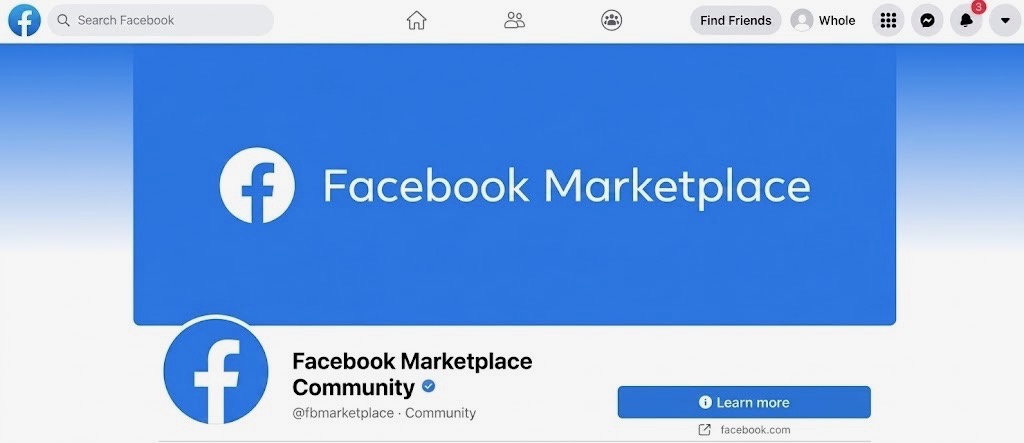
A seller profile, positive ratings or even a Facebook Verified badge should not replace your own checks. Compare the price, inspect the actual product, test expensive electronics and verify payments independently.
Does that Verification tick mean a Facebook Marketplace seller is Genuine?
Facebook Marketplace can help Nigerian buyers find cheaper phones, laptops and other used goods, but a convincing listing is not enough. These checks can help you verify the seller and product before money changes hands.
1. Check the seller’s profile
Open the seller’s Marketplace profile before discussing payment. Check available ratings, other listings and whether the account appears consistent with the person you are dealing with.
Facebook says seller ratings become public after enough ratings are submitted, but it also says it does not verify whether every reviewer actually bought the product. Treat ratings as a useful signal, not proof.
2. Understand Facebook Verified
Meta introduced Facebook Verified in July 2026. The free badge uses selfie-based verification to indicate that there is a real person behind an eligible profile.
However, Meta explicitly says the badge does not mean Facebook endorses that person or guarantees their trustworthiness. Rollout is also happening in phases, so the absence of a badge should not automatically make a Nigerian seller suspicious.
3. Compare the price
Search for the same model across other listings and reputable stores. A used device can reasonably cost less than a new one, but an extreme discount on a popular phone, laptop or console deserves extra scrutiny. The FCCPC also advises consumers to compare prices before buying.
4. Ask for current photos
Do not rely only on manufacturer images. Ask for fresh photographs showing the actual item, its condition and any visible damage. For electronics, request the exact model, storage capacity and other important specifications so you can verify that the listing matches the device.
5. Ask if it has been repaired or refurbished
For phones and laptops, ask whether the device has been repaired, reconditioned or had major components replaced. The FCCPC says businesses selling used or reconditioned goods have disclosure obligations. Even in an informal person-to-person transaction, asking directly helps you understand what you are buying.
6. Keep key details in the Marketplace chat
Do not move the entire conversation elsewhere simply because the seller asks. Keeping the agreed price, product condition and meeting details in your Marketplace conversation gives you a clearer record of what was represented.
7. Meet somewhere sensible
For local purchases, prefer a busy public location during normal hours. Tell someone you trust where you are going and avoid unexpected last-minute changes to an unfamiliar location. Meta provides specific guidance for Marketplace buyers and sellers meeting in person.
8. Test the product before paying
For a smartphone, check the screen, cameras, charging, speakers, buttons and connectivity. For a laptop, check the keyboard, display, storage, memory and charger. The FCCPC advises consumers to inspect goods properly before completing a purchase. If a seller refuses reasonable testing, reconsider the deal.
9. Verify payment yourself
Do not rely on screenshots or messages claiming money has been sent or received. Confirm the transaction through your own bank or payment service. Be especially cautious if a seller demands a deposit before you have inspected an expensive item. Meta’s safety material for Sub-Saharan Africa warns that person-to-person Marketplace transactions may not carry Facebook refund protection.
Our Recommendation
Facebook Marketplace can offer genuine savings, especially on second-hand electronics, but the safest bargain is one you can verify.
Check the seller, compare the price, inspect the product and confirm payment independently. If someone creates unnecessary urgency, refuses basic checks or changes important terms at the last minute, walking away is usually the better deal.
Sources & Verification
Facebook Help Center — How Marketplace Ratings Work
Meta — Introducing Facebook Verified
FCCPC — Consumer Rights and Responsibilities
Facebook Help Center — Tips for Shopping Safely
Frequently asked questions
Is Facebook Marketplace safe in Nigeria?
It can be useful for legitimate transactions, but buyers still need to verify the seller, product and payment arrangements themselves.
Does Facebook Verified mean a seller is trustworthy?
No. Meta says it confirms that a real person is behind an eligible profile, but it does not guarantee trustworthiness.
Should I pay before meeting a Marketplace seller?
For expensive local purchases, be cautious about paying before you have verified the seller and inspected the actual item.

We Analysed 200 Spam Messages Sent to Nigerians: Here’s How Fraudsters Try to Make People Act
That Remote Job Offer Could Be an Identity Harvesting Scam
That Customer Care Account in Your DMs May Be Fake: Here’s How to Check

Your Email Appeared in a Data Breach: What Does That Actually Mean
Google Search Can Lead You to Scam Phone Numbers: Why You Should Verify Support Lines
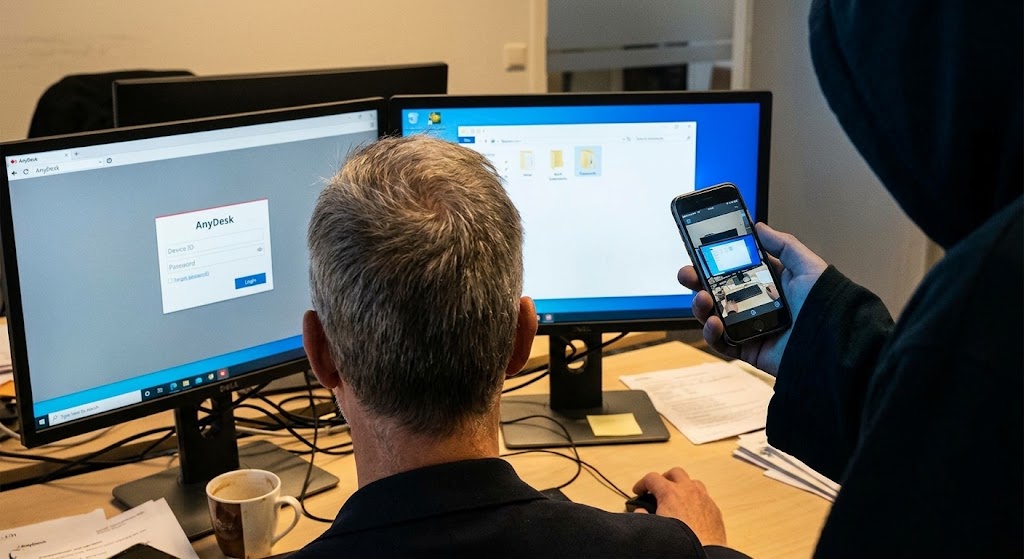
Why Scammers Want You to Install Screen-Sharing or Remote-Access Apps

Deepfake Voice Scams: How to Verify an “Emergency” Call Before You Act
Follow TechView Africa on WhatsApp
Get TechView Africa updates on WhatsApp. Follow our channel for practical technology news, product guides and digital trends from Nigeria and across Africa.
Leave a comment
Comments cannot be edited or deleted after posting. Please review your comment before submitting.
No comments yet. Start the conversation.