

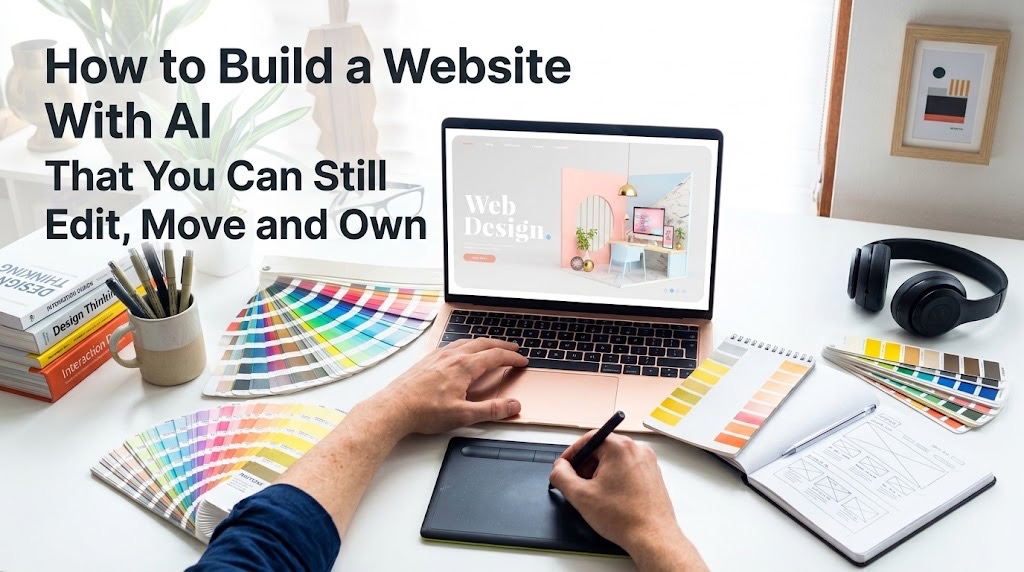
A website is not truly portable simply because you can edit it. Domain ownership, code access, content export, database portability, backups and hosting freedom are separate questions.
Building a Website With AI That You Can Still Edit, Move and Own
AI can now create an impressive website from a conversation, but generating the pages is only the beginning. Before committing to any AI website builder, check whether you control the domain, content, code, data and backups and whether you can leave later without rebuilding everything.
Own or control your domain independently, understand where the site is hosted, confirm what can be exported, keep copies of important content and data, and check whether the website can survive outside the AI builder that created it.
AI website builders have made the first hour of creating a website dramatically easier. Describe the business, choose a style, approve some pages and a functioning site can appear before you have written a line of code.
The more important question begins afterwards: If the platform changes its prices, removes a feature, shuts down or simply stops meeting your needs, what can you take with you? That is why the best AI website builder is not necessarily the one that produces the prettiest homepage. It is the one whose limits you understand before your business becomes dependent on it.
Start with the domain
Your domain is the address people remember, link to and search for. Wherever possible, make sure it is registered in an account you control and understand how it can be transferred.
For example, Wix allows customers who purchase domains through it to transfer those domains to another registrar. That does not automatically mean the website itself moves with the domain; the two are separate assets. This distinction is critical: owning your domain is not the same as owning a portable copy of your website.
Ask whether you can move the actual website
Before building, find out exactly what “export” means.
Can you export:
- the HTML, CSS and JavaScript?
- blog posts and pages?
- images and uploaded files?
- CMS collections?
- customer or member data?
- database records?
- redirects and SEO metadata?
Different platforms provide very different answers. WordPress.com, for example, allows users to export posts, pages and comments, while explaining that a standard content export does not include the site's theme, design customisations or plugins. Wix says its Editor currently cannot create an external backup of the entire site, although it provides internal Site History and duplication features. The lesson is not that one model is automatically better. It is that “exportable” must be defined before you depend on the platform.
Know where the website actually lives
Every website requires hosting, whether AI created it or not. Some AI builders combine generation, hosting, CMS, databases and business tools in one service. That is convenient, but it can also make migration harder because several parts of the website depend on the same provider.
Other tools generate code that can be stored in version control and deployed to another host.
If you are building something more complex than a basic website, the distinction becomes even more important. TechView Africa’s guide to building a working app with AI without knowing how to code explains why the interface is only one part of a system that may also include authentication, databases and backend services.
Protect the SEO you build over time
Moving a website badly can damage years of accumulated search visibility. Google recommends copying and testing a site before changing hosting, maintaining Search Console verification and monitoring crawling after migration. When URLs change, proper permanent redirects and updated sitemaps become important. Your builder should therefore let you control basic SEO elements such as titles, descriptions, canonical URLs, redirects, sitemaps and indexing settings.
Keep a way back
A professional website needs more than a publish button. Keep copies of important text, original images, brand assets and business data somewhere outside the builder. Where possible, maintain database exports, code repositories or downloadable backups. This follows the same principle TechView Africa recommends for AI agents that can act across important digital systems: convenience should not remove your ability to supervise, reverse or recover important actions.
Our Recommendation
Before choosing an AI website builder, perform an exit test. Ask what happens if you decide to leave tomorrow.
Can you keep the domain?
Export the content?
Retrieve the database?
Preserve URLs and SEO?
Download a backup?
Host the site somewhere else?
AI can make creating a website almost effortless. It should not make leaving the platform impossible.
Sources & Verification
Google Search Central — Changing Your Web Hosting
Wix — Storing a Backup of Your Site Outside Wix
Wix — Transferring Your Wix Domain Away From Wix
Frequently asked questions
Does owning my domain mean I own my website?
No. Your domain, website files, hosting, CMS, database and content can all be controlled separately.
Should an AI website builder let me export the code?
Code export is valuable if portability matters to you, but it is not the only consideration. A site may also depend on databases, CMS features, payments or platform-specific services that exported frontend code cannot reproduce.

How to Prepare Offline Maps Before Travelling Where Mobile Signal Is Weak
PDF Too Large to Upload? Reduce Its Size Without Making It Unreadable
How to Turn Raw Data Into Charts, Insights and a Finished Report With AI
How to Create a Consistent Brand Identity With AI Instead of Random AI Graphics
How to Create a Professional Proposal With AI From a Client Brief Without Inventing the Details
How to Build an AI Assistant That Answers From Your Own Documents and Shows Its Sources

How to Create a Professional Presentation With AI Without the Generic AI Look
Follow TechView Africa on WhatsApp
Get TechView Africa updates on WhatsApp. Follow our channel for practical technology news, product guides and digital trends from Nigeria and across Africa.
Leave a comment
Comments cannot be edited or deleted after posting. Please review your comment before submitting.
No comments yet. Start the conversation.