

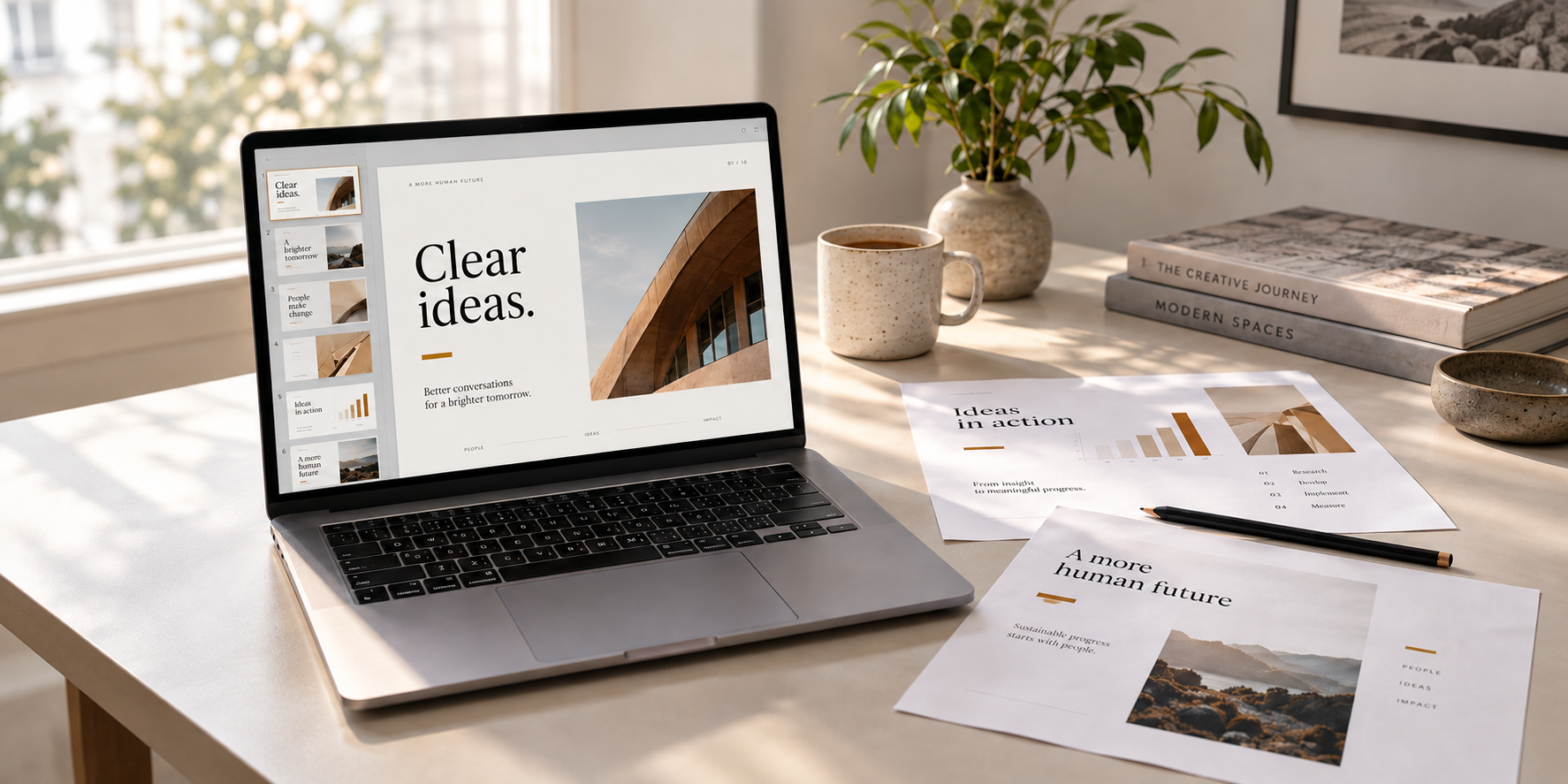
The best AI-assisted presentations do not come from better prompts alone. They come from combining AI-generated drafts with human judgement over the story, evidence and visual hierarchy.
Create a Professional Presentation With AI Without the Generic AI Look
AI can build an entire slide deck in minutes, but accepting the first result often produces generic layouts, vague headlines and decorative visuals. A better workflow uses AI for speed while keeping the argument, evidence and design decisions human.
Start with verified source material, define the audience and purpose, build the narrative before generating slides, then use AI for the first draft. Manually refine the titles, charts, branding, visuals and factual claims before exporting.
AI can turn a prompt, document or notes into a slide deck in minutes, but speed creates a new problem: presentations that look polished yet interchangeable. The better approach is not to hand over the whole presentation. Use AI to accelerate production while you keep control of the argument, evidence and visual judgement.
Microsoft’s current Copilot workflow in PowerPoint can generate a presentation from a prompt or source file, propose an outline and let users refine the deck. Microsoft is also rolling out controls for length, tone, style and image preferences, while Brand Kits can apply approved templates, colours, fonts and assets.
Start with source material, not a blank prompt
Collect the material that should govern the presentation: your report, research notes, spreadsheet, lecture material or verified web sources. Then define who the audience is and what they should understand, decide or do afterwards.
A weak request is “make me a 12-slide presentation about cybersecurity.” A stronger instruction gives AI the source material, audience, objective and constraints. If AI helps with research, verify important statistics, quotations and claims against the original source before they reach a slide. Our guide to using AI for research without repeating its mistakes explains why this matters.
Build the narrative before the slides
Do not let the tool decide the story simply because it can generate an outline. Ask it to organise the evidence into a clear sequence such as problem → evidence → implications → recommendation, then edit that structure yourself.
Replace generic headings such as “Introduction” and “Market Overview” with titles that make a point. “Mobile data costs are falling, but affordability remains uneven” gives an audience a conclusion to follow; “Telecom Market” does not.
Use AI for the first draft, not the final judgement
Once the narrative works, let AI produce the first deck. Microsoft recommends starting from an organisation’s existing PowerPoint template when one is available, while Brand Kits can keep Copilot within approved layouts and brand assets. Then remove machine-made sameness: repeated card layouts, unnecessary icons, decorative stock images and paragraphs disguised as bullets. Give each slide one job. Use a chart when numbers matter, a diagram for a process, an image for visual evidence and plain text when the message is simple.
For charts, never let AI invent the data. Use verified numbers, label units and time periods, and keep the source visible.
Make the presentation sound and look like you
Use a consistent type hierarchy, restrained colour palette, spacing system, image style and chart treatment. Rewrite the opening and conclusion in your own voice, because generic AI phrasing is especially noticeable there. This is also a practical example of AI literacy at work: the valuable skill is knowing what to delegate, verify and keep under human judgement.
Run a final human quality check
Before exporting, verify factual claims, test links and inspect chart labels. Export the deck to PowerPoint or PDF, then review it on the type of screen your audience is likely to use; text wrapping, image cropping and unreadable charts can appear only after export.
Conclusion
The best AI-assisted presentation does not need to hide that AI helped create it. It needs enough original thinking, evidence and design judgement that the tool is no longer the most noticeable thing about the work.
Our Recommendation
Use AI as a production assistant, not as the author of your argument. Give it verified source material, use it to structure the story and produce the first draft, then take back control of titles, evidence, charts, branding and final editing.
Sources & Verification
Microsoft — Create a new presentation with Copilot in PowerPoint
Microsoft — Keep your presentation on-brand with Copilot
Microsoft — Prepare your presentation with Microsoft Copilot
Frequently asked questions
Can AI create a complete PowerPoint presentation?
Yes. Tools such as Microsoft Copilot can generate a draft from a prompt or source material, but the resulting presentation still needs human review.
How do I stop AI slides from looking generic?
Use your own evidence and narrative, apply a consistent template, replace generic headings and stock visuals, and manually refine the final deck.
Should I fact-check an AI-generated presentation?
Yes. Verify statistics, quotations, citations and important claims against authoritative sources before presenting them.

How to Prepare Offline Maps Before Travelling Where Mobile Signal Is Weak
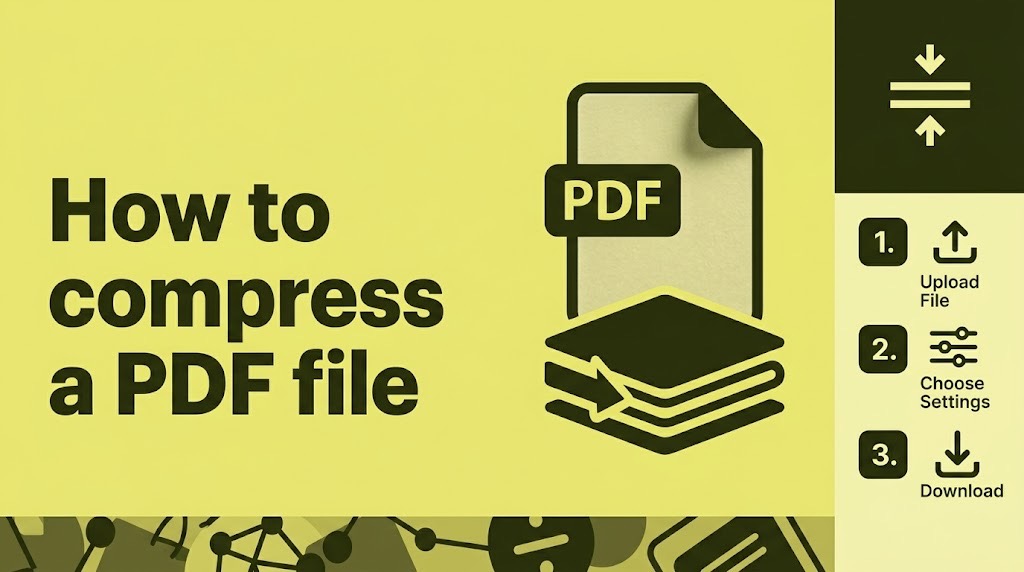
PDF Too Large to Upload? Reduce Its Size Without Making It Unreadable
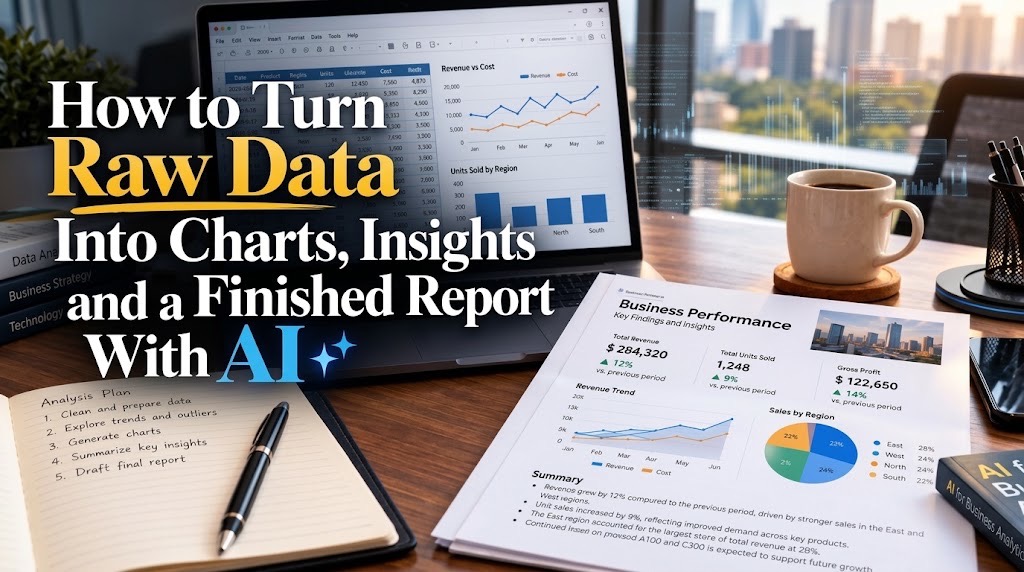
How to Turn Raw Data Into Charts, Insights and a Finished Report With AI
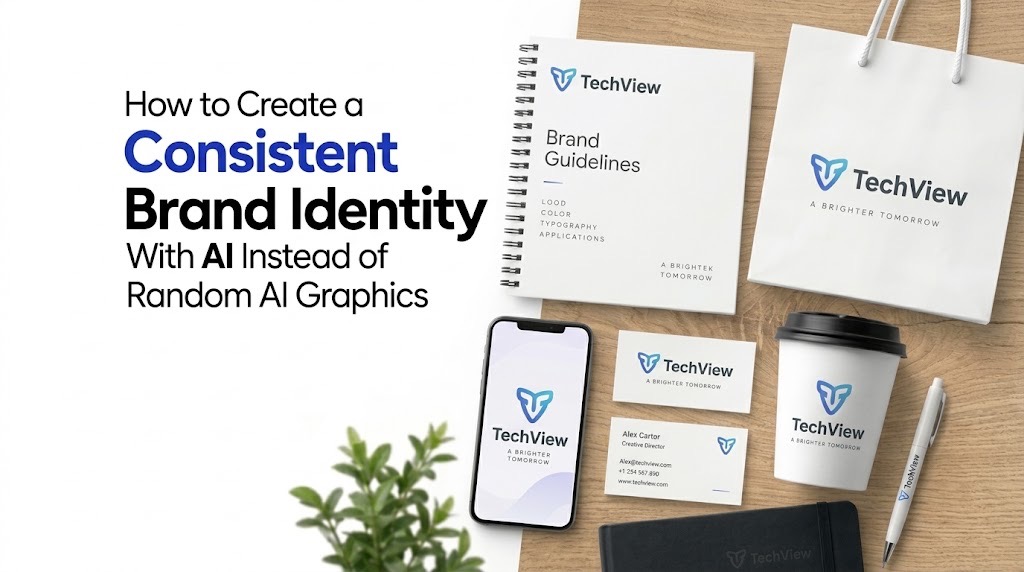
How to Create a Consistent Brand Identity With AI Instead of Random AI Graphics
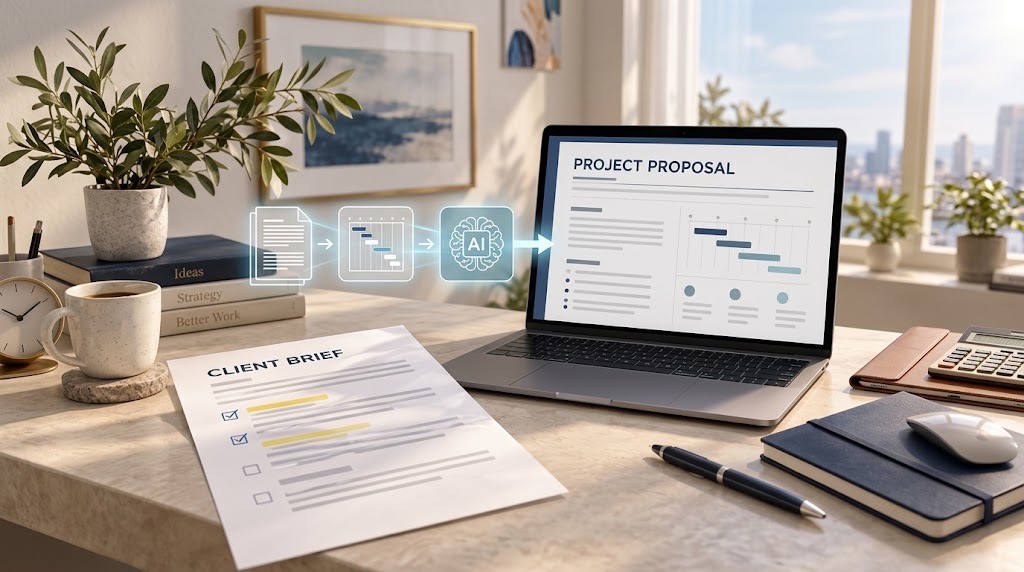
How to Create a Professional Proposal With AI From a Client Brief Without Inventing the Details
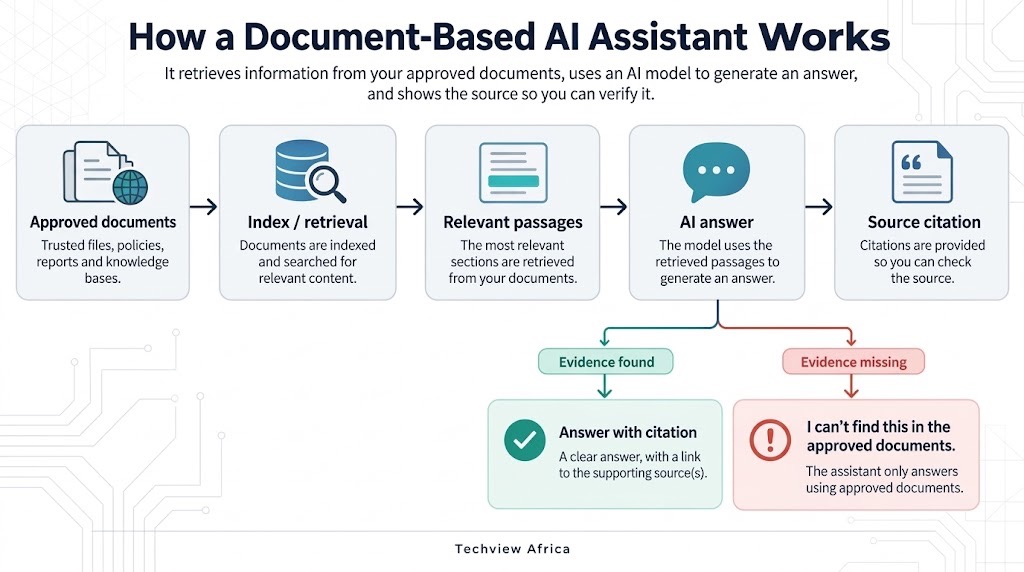
How to Build an AI Assistant That Answers From Your Own Documents and Shows Its Sources
How to Build a Website With AI That You Can Still Edit, Move and Own
Follow TechView Africa on WhatsApp
Get TechView Africa updates on WhatsApp. Follow our channel for practical technology news, product guides and digital trends from Nigeria and across Africa.
Leave a comment
Comments cannot be edited or deleted after posting. Please review your comment before submitting.
No comments yet. Start the conversation.