

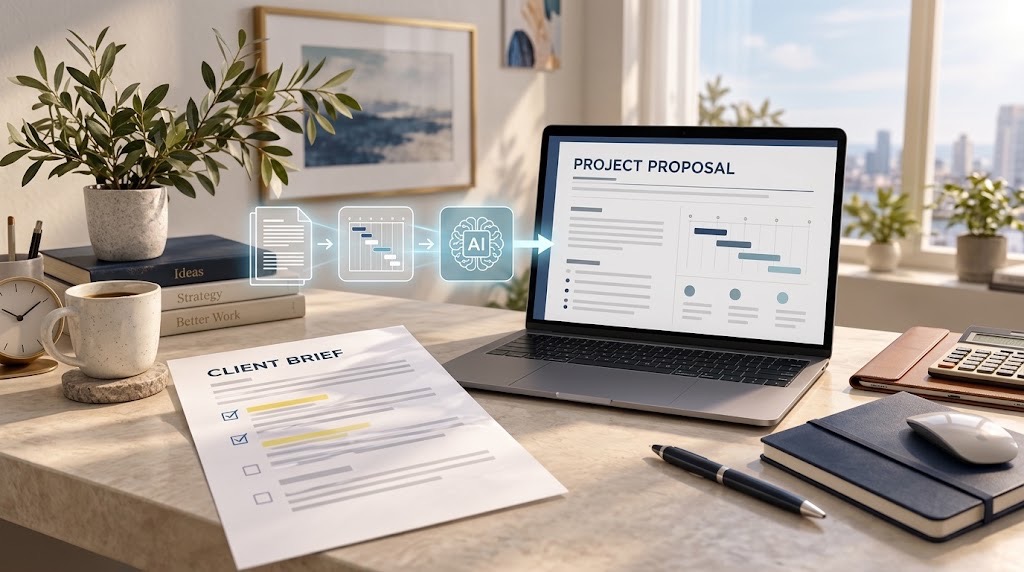
AI should help structure the proposal, not decide what you have promised the client.
How to Turn a Client Brief Into a Professional AI-Assisted Proposal Without Inventing the Scope
A good client proposal is not simply a longer version of the brief. It translates a client's problem into a proposed scope, deliverables, timeline, price and decision.
AI can accelerate that process. Microsoft currently allows Copilot in Word to generate drafts using referenced files, while recommending that prompts specify the audience, purpose, source material, format, tone, length and constraints. OpenAI's Projects can similarly keep files and instructions together so the model works from supplied context.
The risk is that a polished draft can make unsupported information look settled. A model may fill a gap in the brief with a plausible deadline, deliverable or expected result unless you tell it not to.
Extract the brief before asking AI to write
Start with the actual client material: the brief, meeting notes, approved emails, specifications and any relevant supporting documents.
Do not begin with:
Write a professional proposal from this brief.
Instead, ask AI to extract only what the material establishes under headings such as:
- client problem;
- objective;
- required deliverables;
- constraints;
- deadline;
- budget;
- decision criteria.
Then ask for a separate Missing Information section. This prevents an important category error. If a client says they need a new e-commerce website, that is confirmed. If the brief never says the site must be delivered within three weeks, three weeks is not a fact merely because an AI model thinks it sounds reasonable. Where client documents contain confidential information, share only what the task requires. TechView Africa's guide to information you should not casually upload to an AI tool explains why document convenience should not replace basic data judgement.
Build an assumption ledger
Before generating the finished proposal, create a simple working table:
| Proposal item | What the client confirmed | Missing or assumed | Final treatment |
|---|---|---|---|
| Platforms | Social media management | Platforms unspecified | Propose Instagram + LinkedIn, subject to confirmation |
| Delivery | Website redesign | No deadline given | Provide proposed schedule |
| Reporting | Monthly analytics | Metrics unspecified | Define proposed reporting scope |
This is the TVA Brief-to-Proposal Integrity Check: every material commitment should trace back to one of three places, something the client confirmed, verified information from your own business, or an assumption clearly presented for approval. An assumption is not automatically a problem. A hidden assumption is.
Generate the structure after fixing the facts
Once the brief has been decomposed, let AI organise the proposal around the client's decision.
A practical structure is:
- Client problem and objective
- Proposed approach
- Scope and deliverables
- Timeline and dependencies
- Pricing and payment terms
- Assumptions and exclusions
- Evidence of capability
- Next step
Microsoft's current Word workflow supports generating content from source files and existing documents, while Canva provides proposal templates alongside AI-assisted writing and document-design tools.
The useful role of AI here is organisation, drafting, shortening and adaptation. It should not decide the commercial substance for you.
Use a prompt that explicitly forbids invention
A stronger starting instruction is:
Using only the attached client brief and approved supporting material, draft a concise professional proposal. Do not invent client facts, prices, deadlines, deliverables, case studies, statistics or expected results. Where important information is missing, identify it as an assumption, proposed option or question for confirmation. Separate confirmed requirements from recommendations. Keep every material commitment traceable to the source material.
That instruction is more useful than simply asking AI to make the proposal “professional” because it establishes what the model is permitted to infer.
Never let AI manufacture evidence
This matters particularly for case studies, testimonials and performance claims. If your records show that a previous project reduced processing time by 18%, you can use that result with the appropriate context. If you do not have a verified figure, AI should not produce one because a percentage makes the proposal sound persuasive.
The same applies to pricing. AI can organise a pricing table and explain packages, but your actual figures should come from your own commercial calculation. TechView Africa reached a similar conclusion in our guide to creating professional presentations with AI: generation can accelerate production, but evidence and final judgement remain human.
Run a contradiction check before sending
When the draft is complete, give the AI the finished proposal and original brief together and ask it to flag:
- deliverables not supported by the brief;
- requirements that disappeared from the proposal;
- unsupported promises;
- conflicting dates;
- inconsistent prices;
- undefined responsibilities;
- assumptions written as confirmed facts.
Then perform the same comparison yourself.
A proposal should not be considered accurate merely because the same AI that wrote it says it looks correct.
Design comes last. Use a clear hierarchy, short sections, restrained branding and tables where they genuinely make scope, pricing or timing easier to understand. A polished layout cannot compensate for an unclear commercial offer.
Our Recommendation
Use AI to transform a client brief into structure and first-draft prose, but maintain a visible boundary between what the client said, what you are proposing and what still requires confirmation.
The safest workflow is: brief → extraction → missing-information list → assumption ledger → proposal draft → contradiction check → human approval
If an important promise cannot be traced to the client brief, verified information from your business or a consciously approved assumption, do not send it.
Sources & Verification
Microsoft — Start from an existing Word document with Copilot
Microsoft — Write effective prompts for Copilot in Word
Microsoft — Draft and add content with Copilot in Word
Frequently asked questions
Can AI create a full proposal from a client brief?
Yes. AI can help extract requirements, organise the proposal, draft sections, improve wording and structure pricing or timeline tables. However, every important commitment should still be checked against the original brief and your own verified business information.
What information should I give AI before asking it to write a proposal?
Provide the client brief, approved meeting notes, relevant specifications, confirmed pricing information, deadlines and any supporting material that affects scope. Avoid asking AI to fill gaps silently when the source material does not contain the answer.
How do I stop AI from inventing scope or deliverables?
Tell the model explicitly not to invent client facts, deliverables, prices, timelines, case studies or expected results. Ask it to separate confirmed requirements from assumptions, proposed options and questions that still need client approval.
What is an assumption ledger in a proposal workflow?
An assumption ledger is a simple record showing which proposal details were confirmed by the client, which are based on verified information from your business, and which are assumptions or proposed options that still require approval.
Should AI decide the price for a client proposal?
No. AI can organise a pricing table or explain different packages, but the actual figures should come from your own commercial calculations, costs, margins and agreed pricing strategy.
Can AI write case studies or performance claims for a proposal?
Only if you provide verified evidence. AI should never invent client results, testimonials, percentages, project outcomes or previous experience simply to make a proposal sound more convincing.
What should I check before sending an AI-assisted proposal?
Compare the finished proposal with the original client brief and check for unsupported deliverables, missing requirements, conflicting dates, inconsistent pricing, vague responsibilities, unverified claims and assumptions presented as facts.
What is the safest AI proposal workflow?
Use this sequence: client brief → requirement extraction → missing-information list → assumption ledger → proposal draft → contradiction check → human approval
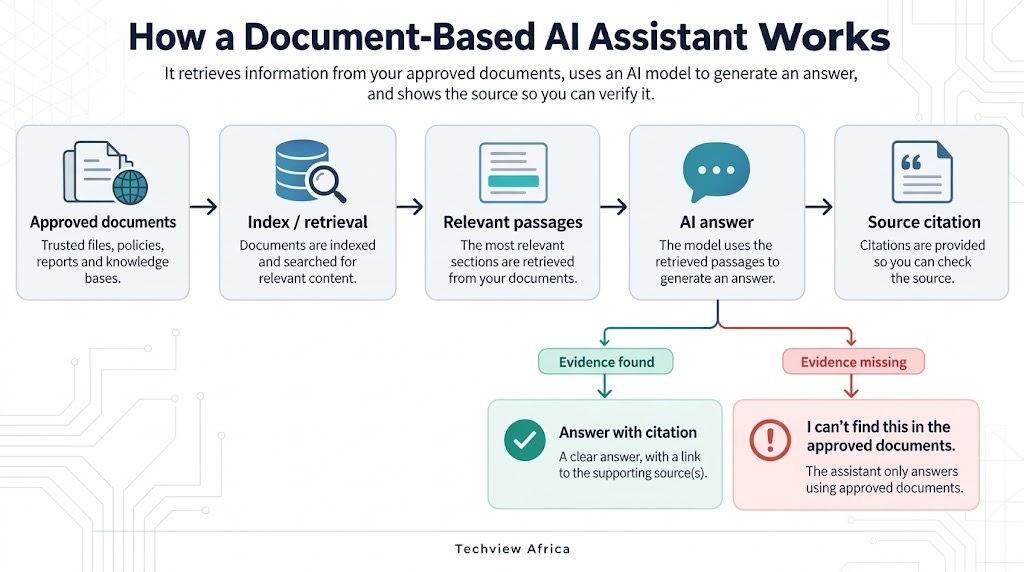
How to Build an AI Assistant That Answers From Your Own Documents and Shows Its Sources

How to Build a Website With AI That You Can Still Edit, Move and Own

How to Create a Professional Presentation With AI Without the Generic AI Look

Before You Connect AI to Your Email, Files or Photos, Check These 5 Things
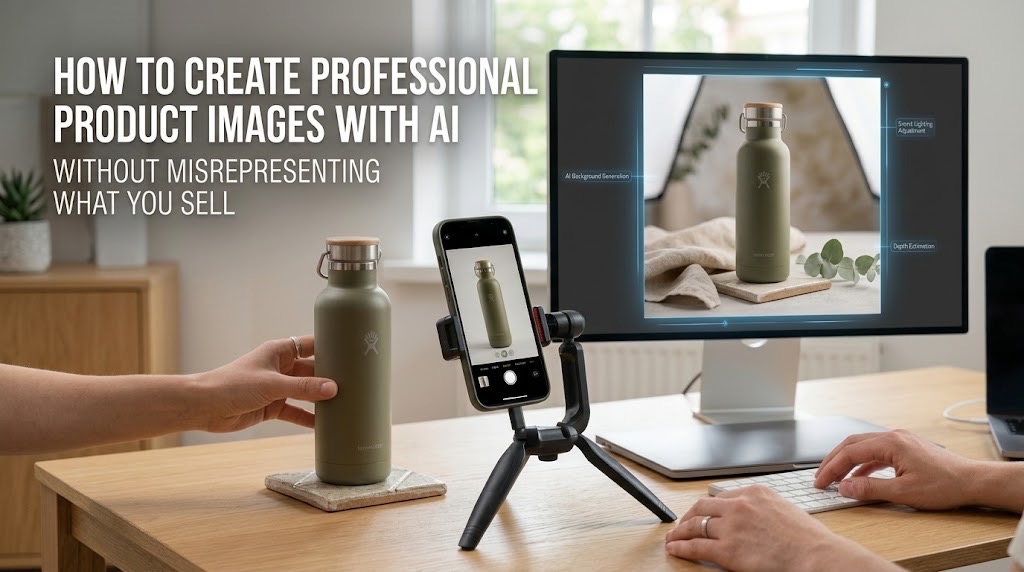
How to Create Professional Product Images With AI Without Misrepresenting What You Sell

From 500 Messy Sales Rows to an Interactive Dashboard: What Excel Copilot Can Automate and What Still Needs Manual Work

Seven Free AI Tools That Are Actually Useful on a Smartphone
Follow TechView Africa on WhatsApp
Get TechView Africa updates on WhatsApp. Follow our channel for practical technology news, product guides and digital trends from Nigeria and across Africa.
Leave a comment
Comments cannot be edited or deleted after posting. Please review your comment before submitting.
No comments yet. Start the conversation.