


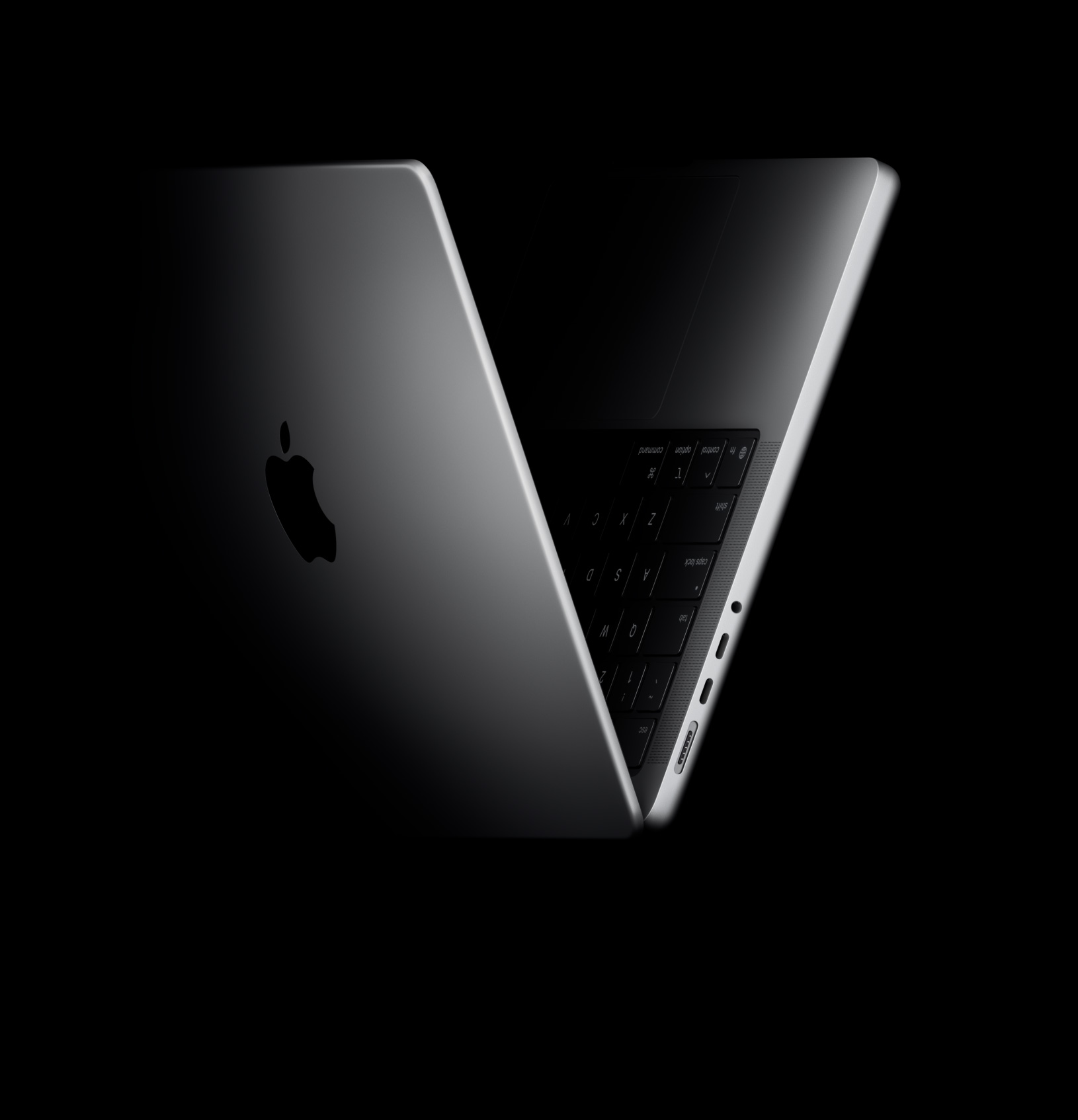
Apple's touchscreen MacBook Pro costs $400 more than comparable non-touch M5 models, adding a tandem OLED display, 120Hz refresh rate, wider colour coverage and a lighter design. It offers the strongest value for creative professionals, while Nigerian buyers should check local availability.
Apple's first touchscreen MacBook Pro became available on 6 November 2026, following its official announcement on 28 October. US prices start at $2,899 for the 14-inch M5 Pro model and $3,399 for the 16-inch version. However, comparing either laptop with the $1,999 MacBook Pro M6 exaggerates the cost of adding touch. The more useful comparison is with the equivalent non-touch M5 Pro or M5 Max model.
That comparison reveals a consistent $400 starting-price premium across four configurations. What buyers receive in return is more than a touchscreen: Apple has introduced a tandem OLED display, a lighter enclosure, wider colour coverage and new ways to interact with selected creative applications. Whether those improvements justify the additional cost depends on how the laptop will actually be used.
How much more does the touchscreen MacBook Pro cost?
Macworld's November 2026 model comparison provides the relevant US starting-price benchmarks. Comparing equivalent screen sizes and chip families gives the following result:
| MacBook Pro configuration | Non-touch model | PROLED XDR model | Extra cost |
|---|---|---|---|
| 14-inch M5 Pro | $2,499 | $2,899 | $400 |
| 16-inch M5 Pro | $2,999 | $3,399 | $400 |
| 14-inch M5 Max | $4,099 | $4,499 | $400 |
| 16-inch M5 Max | $4,399 | $4,799 | $400 |
The absolute premium is the same, but its relative cost changes with the configuration. Calculated against the non-touch starting price, it represents approximately 16% for the 14-inch M5 Pro, 13.3% for the 16-inch M5 Pro, 9.8% for the 14-inch M5 Max and 9.1% for the 16-inch M5 Max.
This provides a more complete picture than looking at the entry-level models alone. The same $400 is a relatively larger commitment for someone buying the least expensive M5 Pro configuration than for a customer already considering an M5 Max workstation.
The $1,999 MacBook Pro M6 is a separate comparison. It uses Apple's standard Liquid Retina XDR display and a different processor tier. The $900 difference between it and the 14-inch touchscreen M5 Pro is not the touchscreen surcharge.
What does the PROLED XDR upgrade actually add?
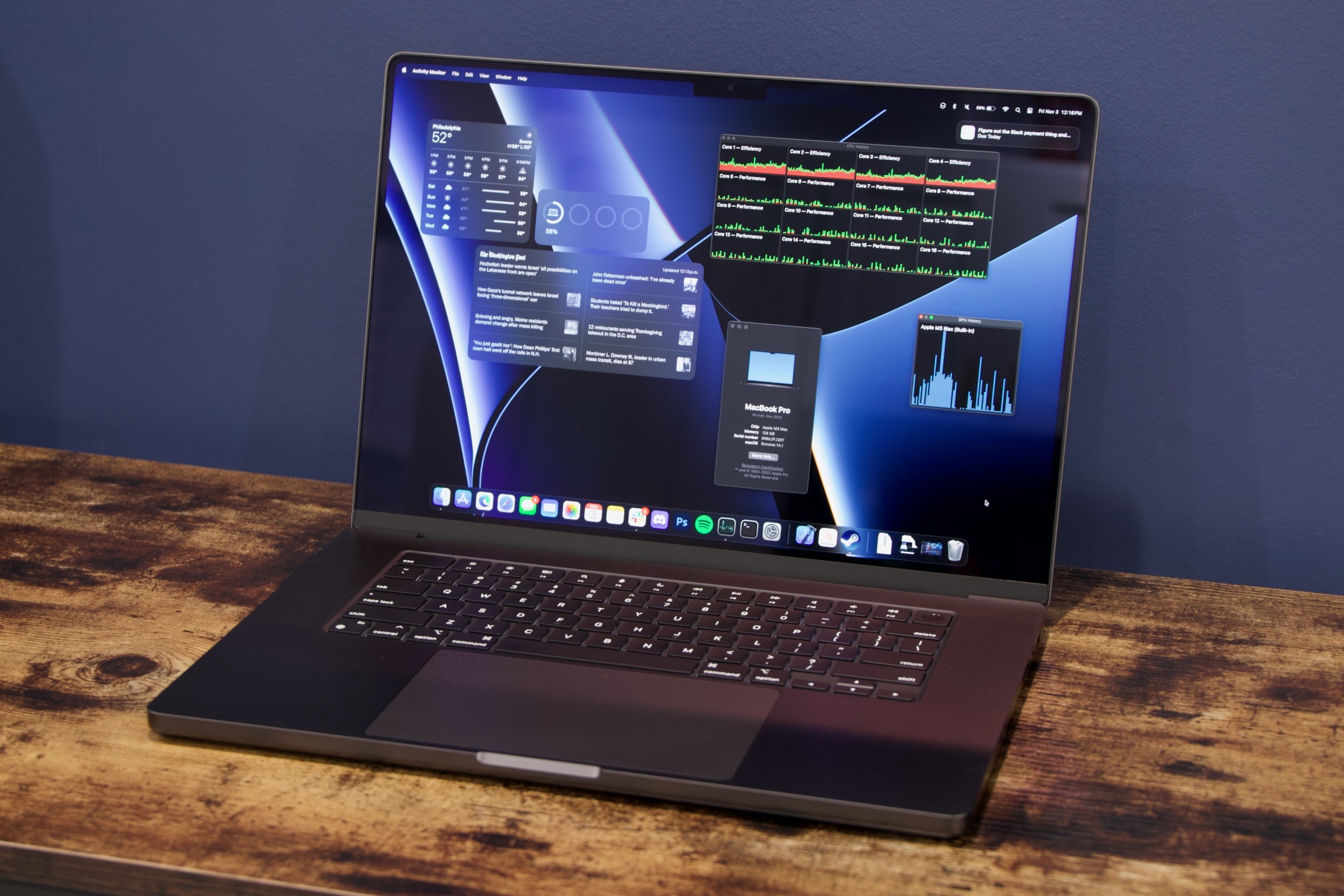
Apple's PROLED XDR display uses tandem OLED technology rather than the mini-LED panel in the standard MacBook Pro. It offers a 120Hz adaptive refresh rate, P3 and Adobe RGB colour coverage and a stated contrast ratio of 10,000,000:1.
The brightness specification also needs context. Apple quotes up to 2,000 nits peak brightness for HDR content and outdoor SDR use, while sustained full-screen brightness is rated up to 1,000 nits. These figures should not be interpreted as continuous 2,000-nit brightness across the entire display.
For photographers, colourists and designers, the wider colour gamut and OLED contrast may be more valuable than the ability to tap the screen. Adobe RGB support is particularly relevant to workflows involving colour-managed photography and print production.
There is also a portability improvement. Macworld's comparison records the 14-inch touchscreen model at approximately 1.38kg, against 1.60kg for its non-touch equivalent. The 16-inch version falls from approximately 2.14kg to 1.82kg.
That is a reduction of around 220g on the smaller laptop and 320g on the larger one, equivalent to approximately 13.8% and 15% respectively. The 16-inch model therefore saves more absolute weight, although it remains considerably heavier than the 14-inch version.
The upgraded display and lighter enclosure are permanent benefits, even for someone who rarely touches the screen.
Is touchscreen functionality useful for professional work?
Apple's approach is to add touch interaction to the conventional MacBook rather than replace the keyboard and trackpad.
The company identifies several creative applications with dedicated touch workflows:
- Final Cut Pro: Touch can be used to mark ranges, place clips and zoom into an editing timeline.
- Logic Pro: Musicians can interact with an onscreen keyboard, chord controls and drum pads.
- Pixelmator Pro: Designers can draw, paint and select elements directly on the display.
These are more meaningful applications of touch than simply replacing a mouse click with a finger tap.
However, independent testing suggests that the experience is not yet a replacement for a touch-first computer. In The Verge's review, David Pierce found that touch was occasionally useful for zooming into photographs and interacting with video, but remained secondary to conventional Mac controls. His review also found that Apple Pencil did not work with the display.
That limitation is important for illustrators and digital artists. A touchscreen MacBook Pro should not be assumed to replace a dedicated drawing tablet or an active-pen device.
Software support also varies. Buyers should check whether the specific applications and versions they depend on have implemented useful touch controls rather than assuming that every macOS application will offer an improved experience.
Which professionals should consider the $400 upgrade?
The value of the touchscreen MacBook Pro becomes clearer when the purchase is assessed against the actual workload.
| Professional user | Upgrade assessment | Main reason |
|---|---|---|
| Photographers and colourists | Strong case | Tandem OLED, contrast and Adobe RGB support |
| Video editors | Strong case | Display quality, portability and selected Final Cut Pro touch controls |
| Graphic designers | Conditional | OLED and direct canvas interaction, but no Apple Pencil support |
| Musicians | Conditional | Logic Pro's onscreen instruments and controls |
| 3D professionals | Conditional | Direct manipulation may help supported workflows; M5 Max performance is a separate consideration |
| Software developers | Weaker case | No newer processor generation or general compute upgrade from the equivalent M5 model |
| General office users | Weaker case | Trackpad and keyboard workflows may already be sufficient |
There is one additional consideration for storage-intensive professionals. The touchscreen M5 Max configurations offer options up to 16TB of SSD storage, compared with the 8TB maximum on the earlier non-touch M5 Max configurations. This is a separate capacity advantage, not a benefit produced by touch itself.
For buyers who spend much of their time connected to an external monitor, the improved built-in display may also provide less practical value. In that situation, the standard MacBook Pro may be the more economical choice.
What are the MacBook Pro prices in Nigeria?
Nigerian buyers should be careful not to confuse local prices for standard M5 Pro models with the cost of the new touchscreen configurations.
The iStore Nigeria MacBook Pro catalogue displays the following non-touch M5 Pro configurations and prices:
| Non-touch MacBook Pro configuration | Catalogue-listed price |
|---|---|
| 14-inch M5 Pro, 24GB memory, 1TB SSD | ₦4,299,000 |
| 16-inch M5 Pro, 24GB memory, 1TB SSD | ₦4,999,000 |
However, the individual product pages currently display a "Notify me when this product is available" message. These are therefore catalogue-listed prices, not confirmed in-stock offers.
The catalogue pages examined also do not show the new PROLED XDR touchscreen configurations. No confirmed Nigerian retail price for the touchscreen models has been established from these listings.
The exact product configuration matters. Buyers should confirm the M5 Pro or M5 Max chip, memory, storage, display type, stock status and warranty before paying. An M5 Pro listing does not automatically mean it has the new OLED touchscreen.
For students and office users whose needs are mainly browsing, documents and online classes, spending several million Naira on a professional touchscreen laptop may be unnecessary. TechView Africa's guides to affordable student and office laptops and 8GB versus 16GB memory for students using Windows and MacBooks offer more appropriate starting points for those workloads.
Is Apple's touchscreen MacBook Pro worth buying?
The strongest reason to choose the PROLED XDR model is its combined display and design upgrade, not touch in isolation.
The additional $400 is easier to justify for professionals who regularly work on the built-in screen, benefit from wider colour coverage or carry their laptop frequently. The larger weight reduction on the 16-inch model may also appeal to users who need a bigger workspace without the previous model's full weight.
It is harder to justify for buyers primarily seeking a processor upgrade, stylus-based drawing or a conventional office computer. The M5 Pro and M5 Max remain the underlying chip families, and the touchscreen does not automatically transform every macOS application into a touch-optimised experience.
Before purchasing, ask three questions: Will the OLED display improve work you actually do? Do your main applications offer useful touch controls? Will the lighter design make a meaningful difference to your daily use?
If the answer to those questions is largely no, the standard M5 Pro or M5 Max MacBook Pro remains the more economical option. If the display, portability and supported touch workflows all matter, the additional cost has a much stronger justification.
Frequently asked questions
1. Does the 120Hz display make the touchscreen MacBook Pro faster?
No. The 120Hz refresh rate makes scrolling, animations and supported visual interactions appear smoother. It does not increase processor speed, accelerate video exports or improve computing performance by itself.
2. Will every Mac application support touchscreen controls?
No. Touch functionality depends on whether individual applications have implemented compatible controls. Apple's supported creative applications offer specific touch interactions, but buyers should check compatibility with their existing software before purchasing.
3. Is the touchscreen MacBook Pro a worthwhile upgrade for existing M5 Pro owners?
It depends on how much value the owner places on the OLED display, lighter design and touch functionality. Since the touchscreen model retains the M5 processor family, buyers should weigh those improvements against the cost of replacing an otherwise capable laptop.
4. Should I choose the M5 Pro or M5 Max touchscreen MacBook Pro?
Choose based on your workload rather than the touchscreen. The M5 Pro is a sensible option for many professional workflows, while the M5 Max is worth considering for more demanding graphics, video production and other compute-intensive work. Both processor families offer touchscreen configurations.
Budget Smartphones in Nigeria Could Cost More. How to Avoid Paying More for Less
Best Affordable Smartwatches for Notifications and Basic Fitness Tracking
iPhone 18 Pro vs iPhone 17 Pro: What Changed, and Is It Worth Upgrading?

iPhone Duo vs iPhone 18 Pro Max: Foldable Screen or Apple’s Best Conventional iPhone?
Redmi Phone Prices in Nigeria (2026): Current Models and What They Cost
Best Affordable Laptops for Students Who Mostly Use Browsers, Office and Zoom
Spotify Audiobooks in Nigeria: What 15 Hours Really Costs
Follow TechView Africa on WhatsApp
Get TechView Africa updates on WhatsApp. Follow our channel for practical technology news, product guides and digital trends from Nigeria and across Africa.
Leave a comment
Comments cannot be edited or deleted after posting. Please review your comment before submitting.
No comments yet. Start the conversation.