

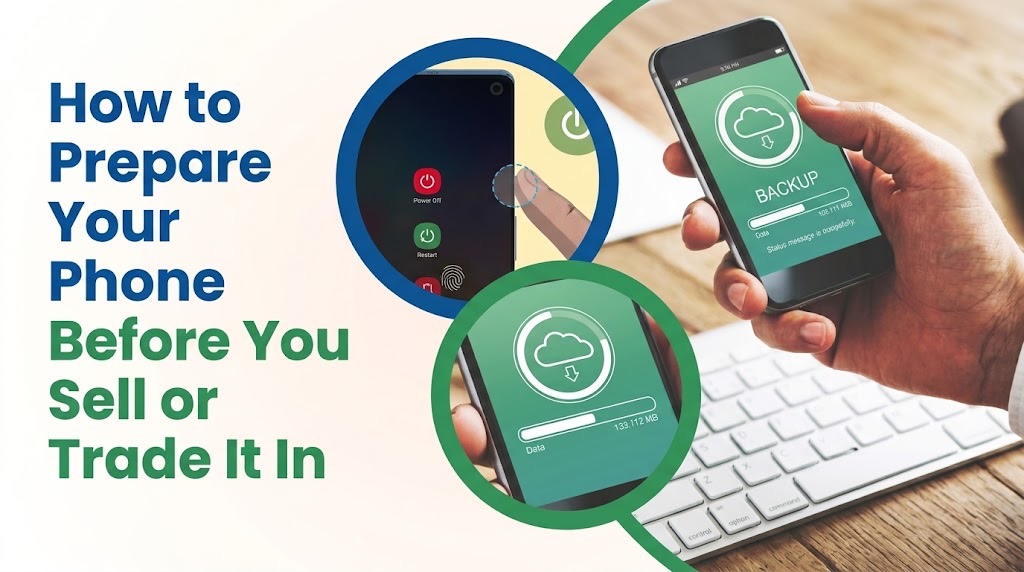
Factory reset is the final privacy step, not the first migration step. The safest approach is to move and verify everything you still need before erasing the old phone.
Factory reset works. The timing is the problem.
If you are selling, trading in or giving away a smartphone, a factory reset should normally be the final privacy step not the first thing you do.
Apple says Erase All Content and Settings removes personal information from an iPhone, including locally stored photos, contacts, apps and Apple Pay cards. Google similarly says an Android factory reset erases data stored on the phone.
The risk is what happens before that reset. Your old phone may still be the easiest way to authorise a banking app, transfer an authenticator account, approve a WhatsApp move, migrate an eSIM or prove that you own an online account. Erasing it first can turn a straightforward phone upgrade into several account-recovery exercises.
Follow this order instead.
1. Back up the phone and check what the backup contains
Start with a current backup, but do not assume the word “backup” means everything on your phone has been copied.
On Android, Google warns that although data stored in your Google Account can be restored after a reset, apps and their local data are removed. Apple likewise recommends creating a backup before transferring information to a replacement device.
Check separately for anything important that may use its own backup or synchronisation system, including photos, documents, messaging histories and authentication tools.
Do not start manually deleting synced photos or contacts to “clean” an iPhone before signing out. Apple warns that deleting some information while signed into iCloud can also remove it from iCloud and other connected devices.
2. Set up the new phone while the old one still works
If you already have the replacement phone, complete as much of the migration as possible before wiping the old device. Transfer your contacts, photos and files, then open the applications you actually depend on. Make sure you can sign in rather than simply checking that the app icon transferred.
This is particularly important for email: access to your primary email account may be needed to recover several other accounts later. Keep the old phone powered, connected and unlocked until the important transfers are finished.
3. Move your authenticator access before you erase anything
Two-factor authentication is one of the easiest things to overlook. If verification codes exist only on the old phone, wiping it before establishing a recovery path can lock you out of accounts protected by those codes.
Google Authenticator currently allows accounts to be transferred between devices using QR codes and can also synchronise codes through a Google Account when that feature is being used.
Other authenticators and individual services use different recovery methods. TechView Africa's guide to what happens when you lose a phone containing an authenticator app explains why backup codes, synced authenticators and alternative authentication methods should be prepared while the original device is still available. Test at least one important account on the new phone before proceeding.
4. Transfer WhatsApp rather than assuming the chats will appear
Moving your phone number does not automatically guarantee that your chat history has moved with it. WhatsApp provides transfer options for same-platform moves and for switching between Android and iPhone. Its current guidance recommends backing up or transferring chat history before completing the move, and some transfer methods require access to the old phone.
Open WhatsApp on the replacement device and confirm that the conversations and media you expected are actually present. Only then treat the old copy as disposable.
5. Confirm banking and fintech access on the replacement phone
Do not assume that banking credentials, biometric approval or device registration will migrate automatically. Install the banking, wallet and fintech apps you use and confirm that you can access them on the new device. Some financial services may treat a replacement handset as a new trusted device and require additional verification.
If you use Apple Pay or Google Wallet, also review what is attached to the old handset. Apple says erasing an iPhone removes Apple Pay cards from that device, while Google provides controls for removing payment methods or transferring supported Wallet items between devices. The point is not to close your financial accounts. It is to make sure the old phone is no longer necessary for you to access them.
6. Move your SIM or eSIM
For a physical SIM, remove it before the phone changes hands. For an eSIM, first make sure your mobile service has been transferred successfully to the replacement device.
Apple specifically recommends erasing the eSIM when selling or giving away an iPhone and allows users to erase the device and eSIM profile together. Deleting an eSIM does not cancel the mobile plan itself; Apple says cancellation must be handled with the network provider.
Android eSIM procedures can vary by manufacturer and network, so check the instructions for the exact handset. Also remove any microSD card. Google notes that a remote Android factory reset may not delete data stored on an SD card.
7. Disconnect watches and other devices
A smartwatch may have its own account, payment cards, mobile plan or activation lock. Apple recommends unpairing an Apple Watch before giving up the associated iPhone. Other watches and accessories should similarly be checked for device-specific unpairing or account-removal requirements. Also inspect Bluetooth devices, car keys, security keys or other accessories whose setup depends on the old phone.
8. Remove your accounts and activation locks
This step matters to both your privacy and the next owner's ability to use the device.
On iPhone, follow Apple's current sign-out and erase procedure. A properly completed erase disables Find My and Activation Lock. Apple advises used-phone buyers not to accept an iPhone that still displays “iPhone Locked to Owner”or requests the previous owner's Apple Account during setup.
On Android, remove the relevant Google and manufacturer accounts according to the device maker's instructions before resetting. Samsung, for example, instructs trade-in customers to remove both Google and Samsung accounts as well as security locks before factory-resetting a Galaxy device.
This avoids leaving the handset tied to an account that prevents the next owner from activating it.
9. Now factory-reset the phone
Only after the migration and account checks are complete should you erase the device.
For iPhone: Settings → General → Transfer or Reset iPhone → Erase All Content and Settings
For Android, the wording varies by manufacturer, but factory-reset controls are normally available through Settings. Google recommends checking the manufacturer's instructions when the menu differs. Let the reset finish completely.
10. Verify the reset before handing the phone over
Do not switch the phone off the moment the screen goes black. Turn it back on and confirm that it reaches its initial setup screen without displaying your personal information.
On an iPhone, the Hello screen is an important first indication that the device has been erased. Apple says a used iPhone should also proceed through setup without requesting the previous owner's Apple Account credentials.
You do not need to complete the setup for the buyer. If you are selling into Nigeria's large used-device market, this final check also protects the buyer. TechView Africa's guide to identifying refurbished or previously used smartphones explains the corresponding checks a buyer should perform from the other side of the transaction.
The safe order
The complete sequence is: Backup → transfer data → verify new phone → move authenticator access → transfer WhatsApp → confirm banking access → move SIM/eSIM → disconnect wearables → remove accounts and locks → remove SIM/memory card → factory reset → verify the setup screen. The order matters more than any individual button.
Our Recommendation
Do not hand over your old phone until you have successfully used the new one for the accounts you cannot afford to lose.
A factory reset is effective at removing the old device's local data when performed correctly. What it cannot do is recover an authenticator code, an untransferred chat history or account access that you discovered you still needed only after the phone was erased.
Reset last, then verify.
Sources & Verification
Apple — What to Do Before You Sell, Give Away or Trade In an iPhone or iPad
Apple — Activation Lock for iPhone and iPad
Apple — How to Erase an eSIM on iPhone or iPad
Google — Reset an Android Device to Factory Settings
Google — Transfer Google Authenticator Accounts to a New Device
Frequently asked questions
Does a factory reset completely erase an iPhone or Android phone?
A correctly performed factory reset removes locally stored user data from the phone. However, it does not necessarily delete information already synchronised to cloud services, and removable storage such as an SD card may require separate handling.
Should I remove my SIM card before factory-resetting the phone?
A physical SIM should be removed before the phone changes hands. For an eSIM, transfer your service first and then follow the device and network provider's instructions for deleting the old eSIM profile.
Will factory-resetting my old phone delete my cloud photos?
Normally, erasing the device through the proper reset control is different from manually deleting synced photos. Apple specifically warns against manually deleting iCloud-synchronised information while still signed in because those deletions can propagate to other devices.
Can I sell an iPhone while Activation Lock is still enabled?
You should not. The next owner may be unable to activate it. Complete Apple's proper sign-out and erase procedure and verify that the device no longer requests your Apple Account.
What is the most important thing to check before resetting an old phone?
Make sure the replacement phone can access your important email, authenticator-protected accounts, WhatsApp history and essential financial services. Once those work, the old phone is much safer to erase.
Your Phone Storage Is Full but You Barely Have Any Files
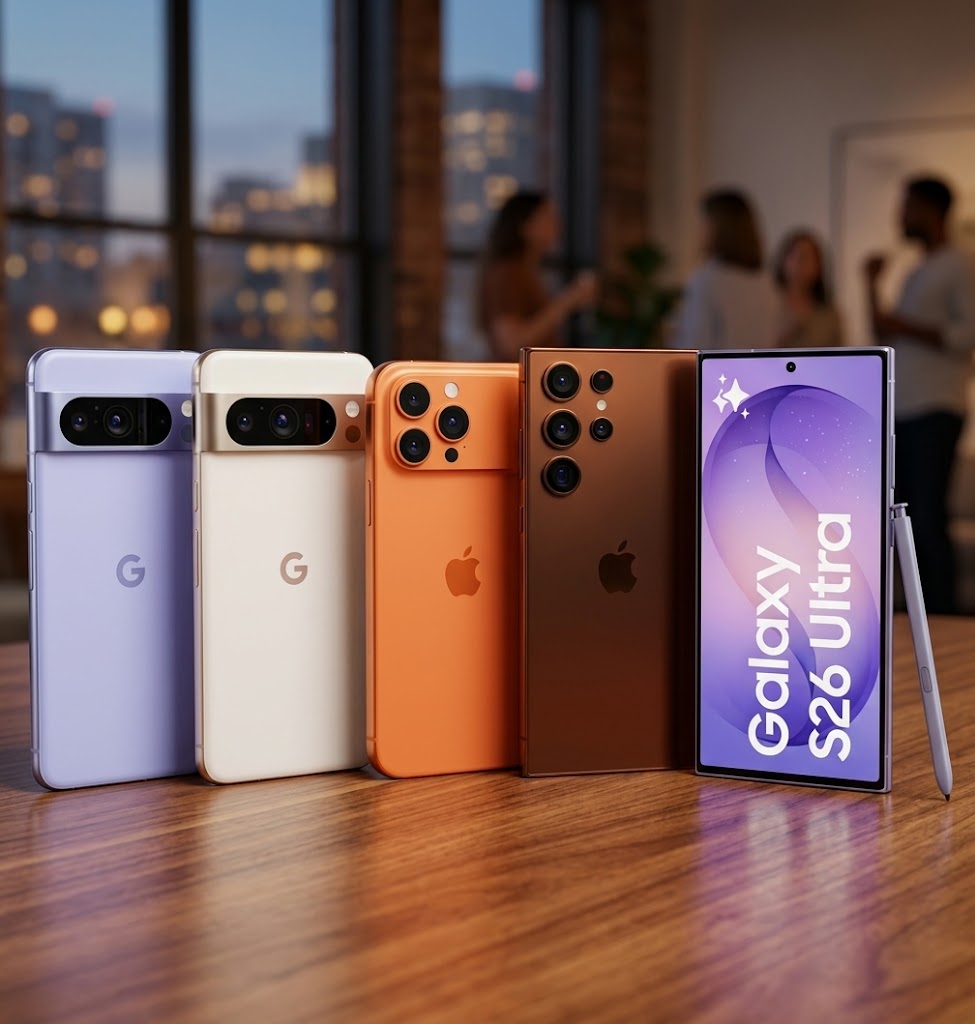
That “New” Smartphone May Be Refurbished—Here’s How to Find Out
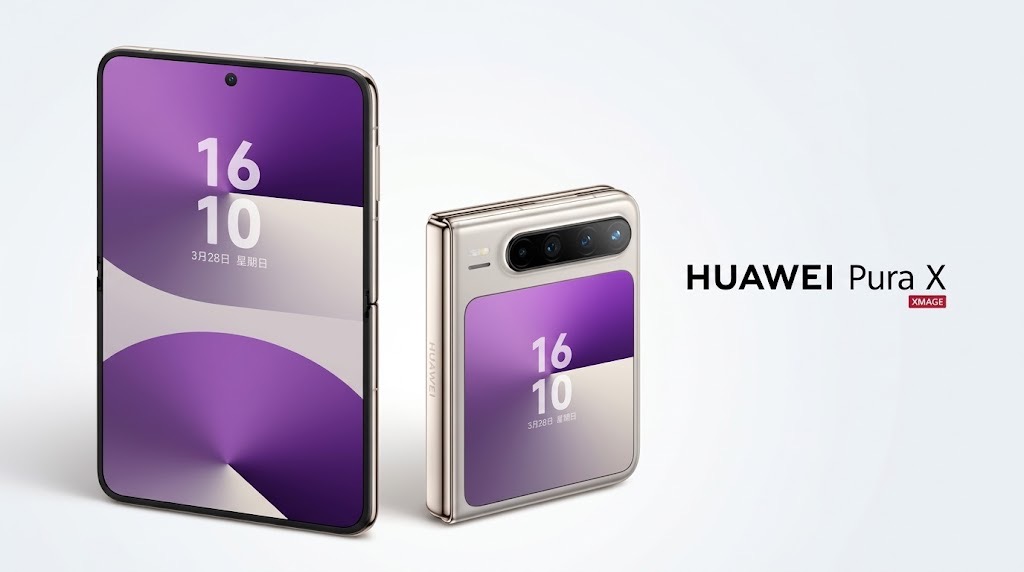
Huawei Phones in Nigeria in 2026: The Price Is Only Half the Buying Decision
Redmi Phone Prices in Nigeria (2026): Current Models and What They Cost

Meta Charm Has Its Own 5G Connection. What Can It Do That Your Phone Cannot?

Best Affordable Smartwatches for Notifications and Basic Fitness Tracking
Best Budget Smartphones for Students: What to Buy and What to Avoid
Follow TechView Africa on WhatsApp
Get TechView Africa updates on WhatsApp. Follow our channel for practical technology news, product guides and digital trends from Nigeria and across Africa.
Leave a comment
Comments cannot be edited or deleted after posting. Please review your comment before submitting.
No comments yet. Start the conversation.