

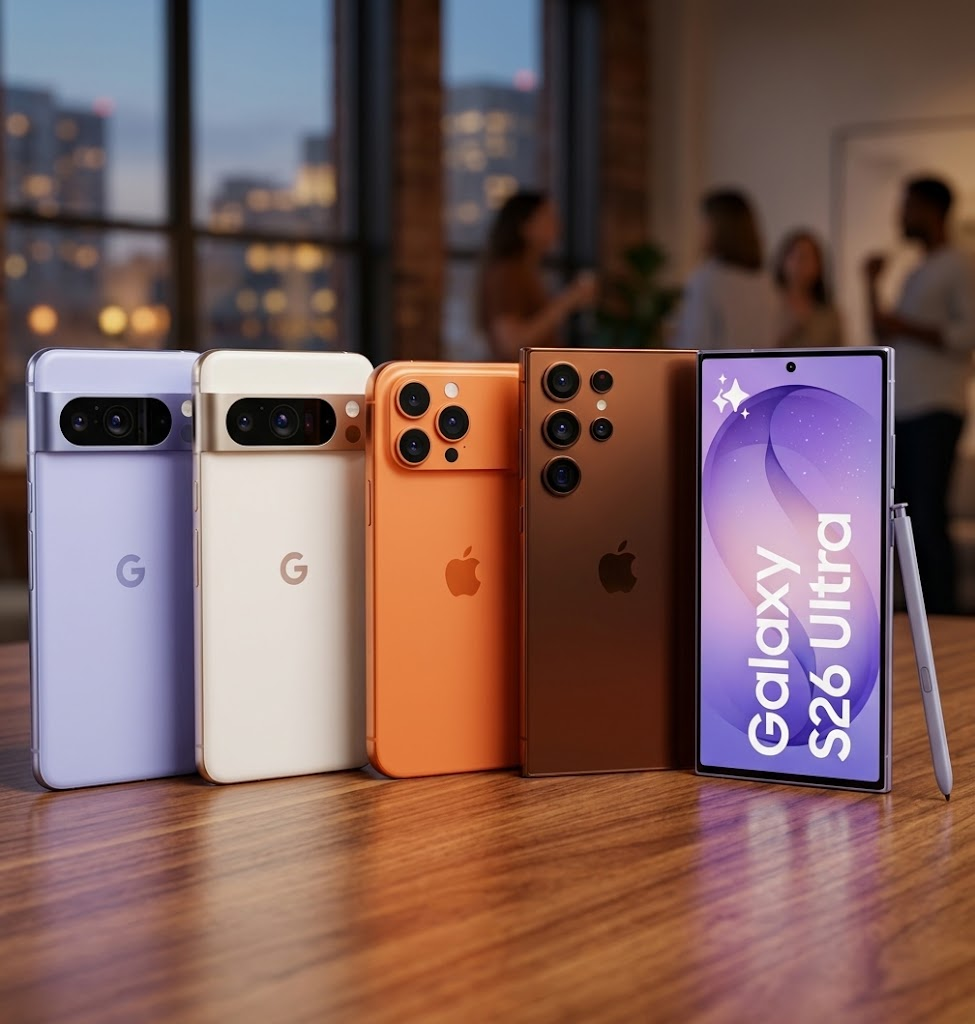
A clean phone and sealed-looking box are not enough to prove that a smartphone is new. Verify the device itself, its IMEI, warranty, battery condition, repair history and physical state, before handing over your money.
The box is sealed. The screen has a protective film. The seller insists the phone is brand new. None of those things, by themselves, prove that the device has never been used or repaired. Before paying new-phone money, spend five minutes checking the phone itself.
“Refurbished” is not automatically bad. Hiding it is.
A properly refurbished smartphone can be a sensible purchase when the seller clearly identifies it as refurbished, explains its condition and prices it accordingly. The problem is paying brand-new money for a previously used or repaired phone.
Nigeria's Federal Competition and Consumer Protection Commission says the FCCPA requires sellers to conspicuously disclose when goods are used, second-hand or reconditioned. That gives buyers a useful starting principle: If a phone has been refurbished, you should know before you pay, not after something fails.
Here are the checks we would perform in the shop.
Start with the IMEI—not the packaging
Open the phone and dial:
#06# or find the IMEI under the device's About section. Then compare that number with the IMEI printed on the box and sales documentation. Samsung confirms that Galaxy users can find the IMEI, serial number and model number through Settings → About phone, by dialling #06#, and on supported packaging.
Verification: Samsung's guide to checking IMEI and serial numbers
For iPhones, Apple similarly says the IMEI and serial number can be checked under Settings → General → About and compared with the original packaging. If those identifiers do not match, stop the transaction until the seller explains why. A matching IMEI is important, but it is not proof that the phone has never been used. It only confirms that the device and packaging appear to belong together.
IPhone buyers have a particularly powerful check
Modern iPhones can reveal previous repairs directly inside iOS.
Go to:
Settings → General → About and look for Parts and Service History.
Apple says supported models running iOS 15.2 or later can show whether major components such as the battery, display, cameras or logic board have been replaced.
You may see labels such as:
Genuine — Apple identifies the replacement as a genuine Apple part.
Unknown — the part may be non-genuine, malfunctioning or otherwise unverifiable.
Used — on supported newer iPhones, the part had previously been installed in another iPhone.
That last one is particularly revealing.
Apple says iPhone 15 models and later using iOS 18 or later can identify some previously used parts.
Verification: Apple's Parts and Service History guide
A repair history does not automatically make an iPhone bad. But if a seller described it as factory new and never repaired, a service history deserves an explanation.
Check the warranty story
For an iPhone, take the serial number and check Apple's official coverage system. Apple provides a coverage page where customers can enter a serial number and view available warranty or AppleCare information.
Verification: Apple Check Coverage
Warranty information should make sense in relation to what the seller is claiming. If someone says the device has never been activated but its warranty history suggests otherwise, do not allow excitement about a good price to end the investigation. For Samsung devices, Samsung Africa allows product registration using a serial number or IMEI and provides official support channels for checking device information. Again, no single warranty screen is a perfect refurbished-phone detector. Use it together with the other checks.
Run the phone, not just your eyes, over it
A professionally cleaned phone can look almost perfect. So test what is harder to polish.
Check:
- Cameras and autofocus
- Microphone
- Earpiece and loudspeaker
- Charging port
- Fingerprint or Face ID
- Physical buttons
- Wi-Fi and Bluetooth
- Touchscreen edges
- SIM and mobile network
- Vibration
Samsung makes this especially easy on Galaxy phones.
The Samsung Members app includes Phone Diagnostics that can test the battery, cameras, microphone, touchscreen, sensors, fingerprint recognition, charging, network functions and other hardware.
Verification: Samsung Members diagnostics guide
A failed test does not prove refurbishment, but it is an excellent reason not to accept a supposedly new phone without further investigation.
Battery condition can expose a hard life
Batteries wear as phones are used.
On supported Galaxy devices, Samsung Members can report battery status through Support → Phone diagnostics → Battery status. Samsung says results may show Normal, Weak or Bad depending on battery condition.
A phone sold as brand new should not arrive with an obviously degraded battery. But battery health alone is not proof either. A refurbished phone may have received a replacement battery. This is why buyers should combine battery information with repair history, warranty records, physical condition and seller documentation.
Look for the small physical clues
Inspect the phone under strong light. Watch for:
- Scratches around the charging port
- Tiny marks around screws or frame seams
- Dust around camera modules
- Uneven screen fitting
- Adhesive around the display
- Worn buttons
- Scratches around the SIM tray
- Accessories that look repackaged
None of these proves refurbishment individually.
But three or four inconsistencies on a phone advertised as untouched should change your confidence quickly.
Be suspicious when the price needs a complicated explanation
A current flagship selling dramatically below every established retailer deserves investigation.
Ask directly:
Is this brand new, open-box, activated, used or refurbished?
Get the answer in writing on the receipt or invoice if the transaction is expensive. Nigeria's consumer-protection framework is clear that used or reconditioned status should be disclosed. If the seller becomes defensive because you asked to check the IMEI, warranty or diagnostics, that behaviour is information too.
Final verdict
A plastic seal is packaging. It is not a certificate of history. Before buying an expensive smartphone described as new, verify the IMEI, warranty position, repair history, battery condition and major hardware functions.
iPhone buyers should make Parts and Service History one of their first checks. Samsung buyers should use Samsung Members diagnostics and verify the phone's identifiers.
And if the seller says: “You don't need to check all that, it is brand new.” that is exactly when you should check. A genuine new phone should survive verification.
Sources & Verification
Samsung Africa — Find IMEI, Serial and Model Number
Apple — iPhone Parts and Service History
Samsung Members diagnostics guide
Frequently asked questions
Is a refurbished smartphone always a bad purchase?
No. Professionally refurbished phones can offer excellent value. The issue is disclosure, condition, warranty and price. A refurbished phone should not be represented and priced as factory-new.
Can a refurbished phone still have 100% battery health?
Yes. A refurbished device may have received a replacement battery. Battery health is therefore only one piece of evidence.
Does a matching IMEI prove the phone is new?
No. It helps confirm that the device identity matches the packaging, but a previously used or refurbished phone can still have its original IMEI.
How do I check whether an iPhone has replacement parts?
On supported iPhones running iOS 15.2 or later, open Settings → General → About and look for Parts and Service History.
What does “Used” mean in iPhone Parts and Service History?
Apple says the label indicates that the component had previously been installed in another iPhone. It is available for supported parts on newer models and software versions.
Can Samsung phones be checked for hardware problems before purchase?
Yes. Samsung Members provides diagnostic tests for components including the battery, cameras, microphone, touchscreen, sensors, charging and network functions.
Is a sealed box enough proof that a smartphone is new?
No. Packaging should be considered alongside the phone's identifiers, warranty information, repair history, physical condition and hardware diagnostics.
What should I do if a seller advertised a refurbished phone as new?
Preserve the advertisement, receipt, payment evidence and communication with the seller. Nigeria's FCCPC states that used, second-hand and reconditioned goods must be adequately disclosed to consumers.
Leave a comment
Comments cannot be edited or deleted after posting. Please review your comment before submitting.
Budget Smartphones Could Become More Expensive, Here’s What Buyers Should Watch
iPhone 18 Pro vs iPhone 17 Pro: What Changed, and Is It Worth Upgrading?
iPhone Duo vs iPhone 18 Pro Max: Foldable Screen or Apple’s Best Conventional iPhone?
Tecno Phone Prices in Nigeria (2026): What Current Models Actually Cost
Redmi Phone Prices in Nigeria (2026): Current Models and What They Cost
Best Affordable Smartwatches for Notifications and Basic Fitness Tracking
Best Budget Smartphones for Students: What to Buy and What to Avoid
Follow TechView Africa on WhatsApp
Get TechView Africa updates on WhatsApp. Follow our channel for practical technology news, product guides and digital trends from Nigeria and across Africa.
This is true especially when you are buying from computer village at Ikeja. You must always be on guard!