

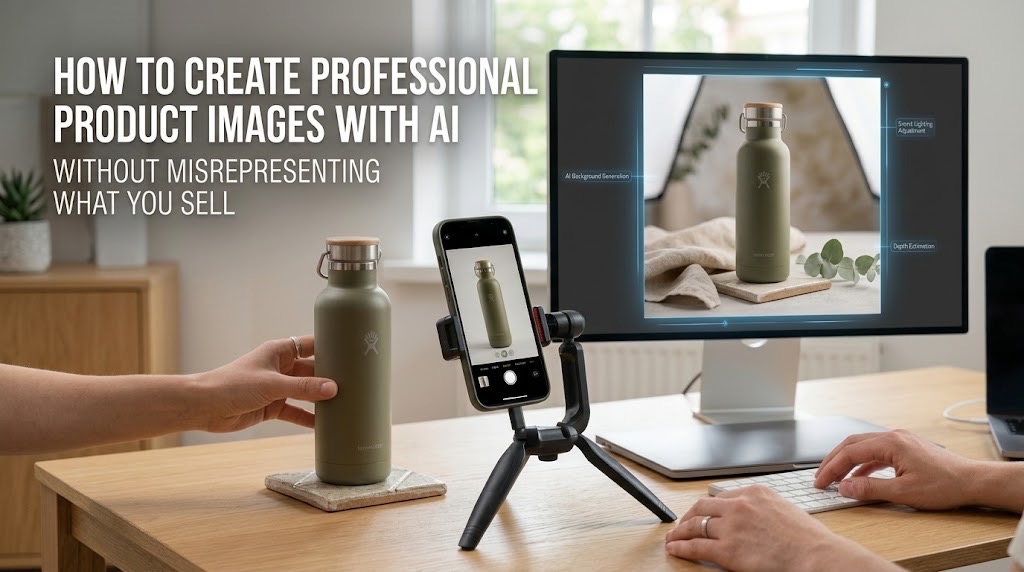
AI can invent the scene. It should not invent the merchandise.
How to Create Professional Product Images With AI Without Using a Photo Studio
A Nigerian merchant no longer needs a rented studio, professional backdrop and multiple photoshoots simply to turn one decent product photograph into a catalogue image, Instagram campaign or lifestyle visual.
Adobe Firefly can isolate a photographed product and generate a new environment around it. Canva provides background removal, background generation, image upscaling and resizing tools. Google Product Studio can similarly remove backgrounds, increase image resolution and generate new product scenes for Merchant Center users.
The important question is not whether AI can make the photograph look better. It is how far the edit can go before the photograph stops accurately representing what the customer will receive.
Start with the real product, not an AI reconstruction
Photograph the actual item first. A modern smartphone is enough for many small products if the photograph is sharp, evenly lit and taken against an uncluttered background. Adobe's own product-photography workflow recommends bright lighting, minimal shadows, a plain backdrop and several photographs from which to choose.
For a handbag, shoe, food package, skincare bottle or household item, preserve the original photograph as your reference image. Do not begin by asking an image generator to create “a black leather handbag that looks like my product.” Even an impressive result may invent stitching, hardware, proportions or texture.
Remove the environment before generating a new one
The safest transformation is usually to change what surrounds the product. Remove the original background, clean rough edges and keep the photographed object itself intact. Canva's Background Remover and Adobe Firefly both support this workflow, while Google's Product Studio can place an uploaded product into newly generated scenes.
You can then create several useful versions from the same photograph:
- a plain white catalogue image;
- a neutral studio background;
- a lifestyle scene;
- a seasonal campaign image;
- and differently cropped versions for your website and social channels.
The prompt should describe the environment, not redesign the product.
For example:
Place this exact product on a clean cream-coloured tabletop beside a window with soft natural morning light. Preserve the product's original shape, colour, label, proportions, material and details exactly.
That final instruction does not guarantee perfect fidelity, but it makes the intended boundary clear.
Generate campaign scenes separately from catalogue truth
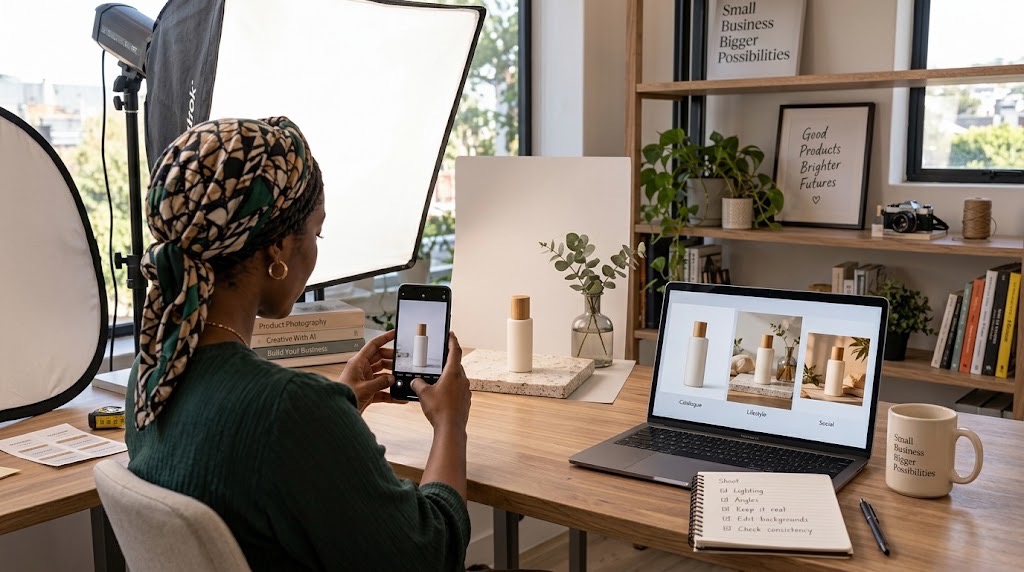
A lifestyle image can be more imaginative than a catalogue photograph. A bottle of body lotion might appear on a bathroom counter with towels and plants. A shoe might sit beside sports equipment. A packaged food product might appear on a kitchen worktop.
But there should still be an underlying truthful product. Google itself warns that Product Studio is experimental and can produce unexpected output. It also recommends reviewing generated images rather than assuming that the first result is accurate.
This is the same broader principle TechView Africa applies to other AI-assisted creative work, generation is useful for producing the first version, but human judgement remains responsible for the final output. Our guide to creating professional presentations with AI applies the same separation between machine production and human verification.
Run the TVA Product Integrity Check before publishing
Before using an AI-edited product image commercially, put the generated version beside the original photograph and check five things:
Shape and construction: Did AI alter the size, stitching, buttons, handles, openings or physical design?
Colour and material: Is the actual shade still accurate? Has plastic become glass, synthetic leather become suede, or matte fabric become glossy?
Branding and text: Are the logo, label, measurements and packaging text unchanged?
Quantity and included items: Has AI added accessories, packaging or additional pieces that the buyer will not receive?
Scale and proportions: Does the setting make the product appear significantly larger or smaller than it really is?
If the answer to any of those questions is yes, do not use that image as an accurate representation of the product until it has been corrected. This is more than aesthetic caution in Nigeria. The Federal Competition and Consumer Protection Commission says businesses must provide factually accurate information and must not make misleading or deceptive representations about goods or services. Its business guidance also says companies should not issue wrongful or deceptive product advertisements.
Keep the original photograph
Never allow the AI version to become your only record of the product. Keep the untouched photographs alongside the edited versions. For important products, retain at least one straightforward catalogue photograph that shows what is actually being sold without a synthetic setting.
Google Merchant Center also requires generative-AI-created images submitted through its ecosystem to retain appropriate AI-source metadata, another reason not to strip metadata indiscriminately during editing. For merchants doing most of this work from a phone, TechView Africa's guide to useful mobile AI tools includes Canva among the practical visual-design options.
Our Recommendation
Use AI to replace expensive parts of the photography process: backgrounds, staging, resizing, campaign variations and some cleanup.
Do not use it to make a cheap fabric look premium, enlarge a product, improve a label, invent accessories or change features that influence a purchasing decision.
The safest commercial workflow is real product → clean photograph → AI-assisted environment → human comparison → publication.
That preserves most of the cost advantage of AI without turning visual enhancement into product misrepresentation.
Sources & Verification
Adobe — AI-generated backgrounds for product photography
Canva — Photo Editor documentation
Google Merchant Center — Product Studio
Google Merchant Center — AI-generated content requirements
Frequently asked questions
Can AI create professional product photos from an ordinary phone picture?
Yes. A clear photograph taken with a smartphone can be used as the starting point for AI-assisted background removal, studio-style backgrounds, lifestyle scenes, resizing and campaign graphics. The original product should remain visually faithful to what the customer will receive.
What is the safest way to use AI for product photography?
Start with a real photograph of the actual product and use AI primarily to modify the surrounding environment. Changing backgrounds, lighting context, cropping and presentation is generally safer than asking AI to reconstruct the product itself.
Which AI tools can be used to create product images?
Tools such as Adobe Firefly, Canva and Google Product Studio provide features for background removal, generative backgrounds, image enhancement and product-scene creation. The best tool depends on the type of image you need and the platform where it will be published.
Can I use AI-generated lifestyle images for an online store?
Yes, provided the image still accurately represents the product being sold. A generated room, tabletop or outdoor setting can provide context, but AI should not change important characteristics such as the product's colour, material, size, design, branding or included accessories.
How can I tell if AI has changed my product?
Compare the finished image directly with the original photograph. Check the shape, construction, colour, texture, logo, packaging text, quantity, accessories and proportions. If any commercially important detail has changed, correct the image before publishing it.
Is it misleading to use AI-generated product images?
Not simply because AI was used. The problem arises when editing creates a false or misleading impression of the product. Nigerian consumer-protection rules require businesses to provide accurate information and avoid misleading representations about goods and services.
Should I keep the original product photographs?
Yes. Keep the unedited originals as reference images and retain at least one straightforward photograph that accurately shows the product. This makes it easier to verify whether later AI edits have introduced inaccuracies.
From 500 Messy Sales Rows to an Interactive Dashboard: What Excel Copilot Can Automate and What Still Needs Manual Work

Seven Free AI Tools That Are Actually Useful on a Smartphone
How to Create a Professional Proposal With AI From a Client Brief Without Inventing the Details
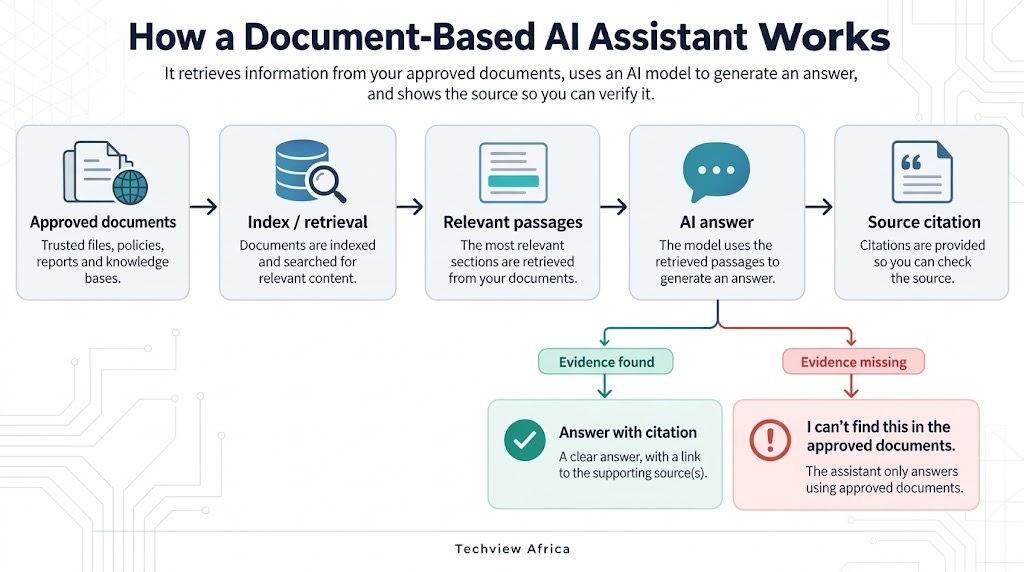
How to Build an AI Assistant That Answers From Your Own Documents and Shows Its Sources
How to Build a Website With AI That You Can Still Edit, Move and Own
How to Create a Professional Presentation With AI Without the Generic AI Look

Before You Connect AI to Your Email, Files or Photos, Check These 5 Things
Follow TechView Africa on WhatsApp
Get TechView Africa updates on WhatsApp. Follow our channel for practical technology news, product guides and digital trends from Nigeria and across Africa.
Leave a comment
Comments cannot be edited or deleted after posting. Please review your comment before submitting.
No comments yet. Start the conversation.