

The important shift is not simply that AI has become more capable. It is that interacting with AI is moving from repeatedly issuing prompts towards delegating responsibilities and supervising what happens afterwards.
OpenAI’s Dots Can Keep Working Without You. That Changes How We Use AI
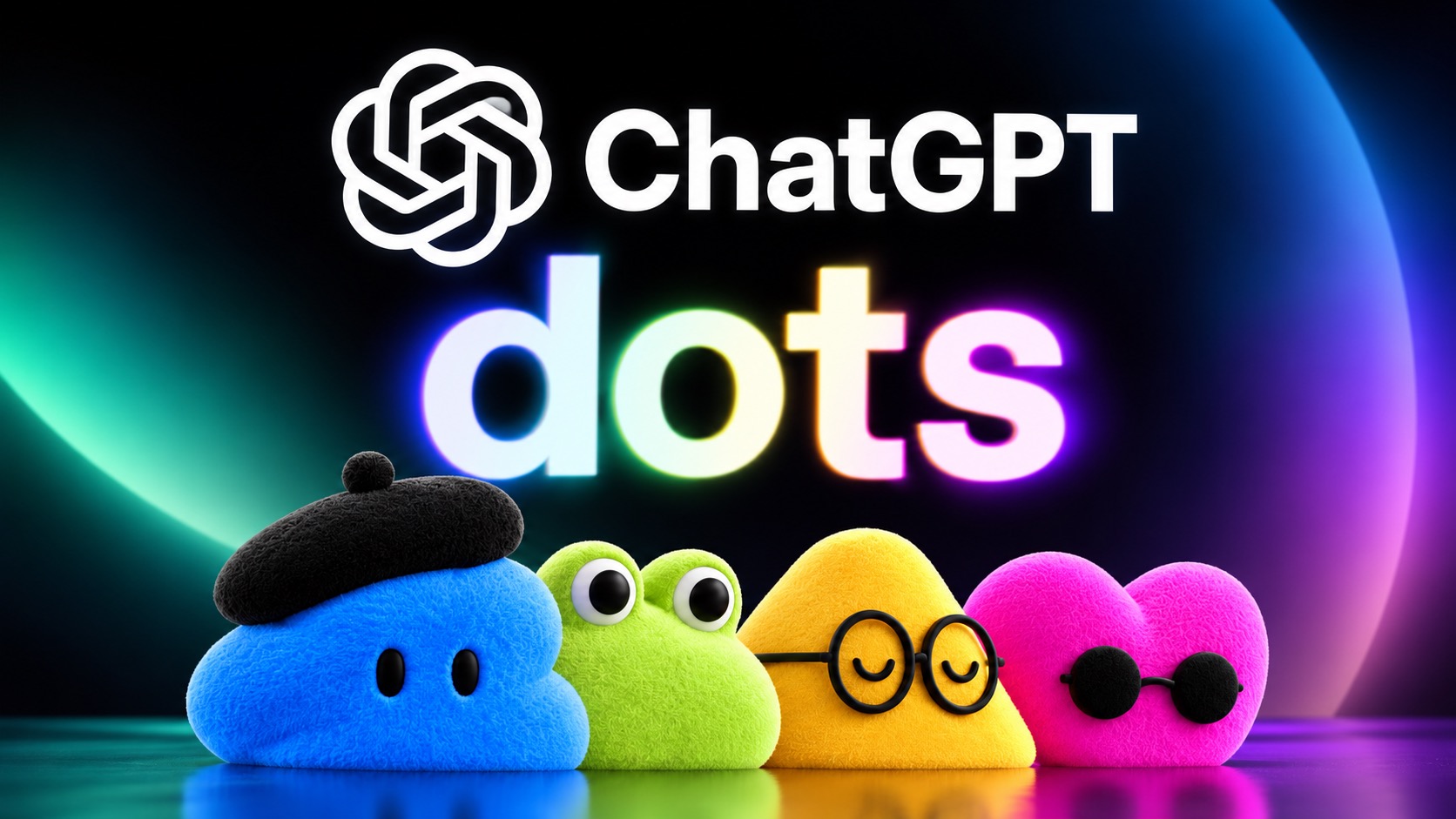
OpenAI’s Dots are persistent AI agents powered by GPT-6 Astra that get their own cloud computer and can work across connected services, including ChatGPT, Slack and Microsoft Teams. Unlike a normal chatbot session, a Dot can continue managing an assigned goal in the background, although consequential actions can still require human approval.
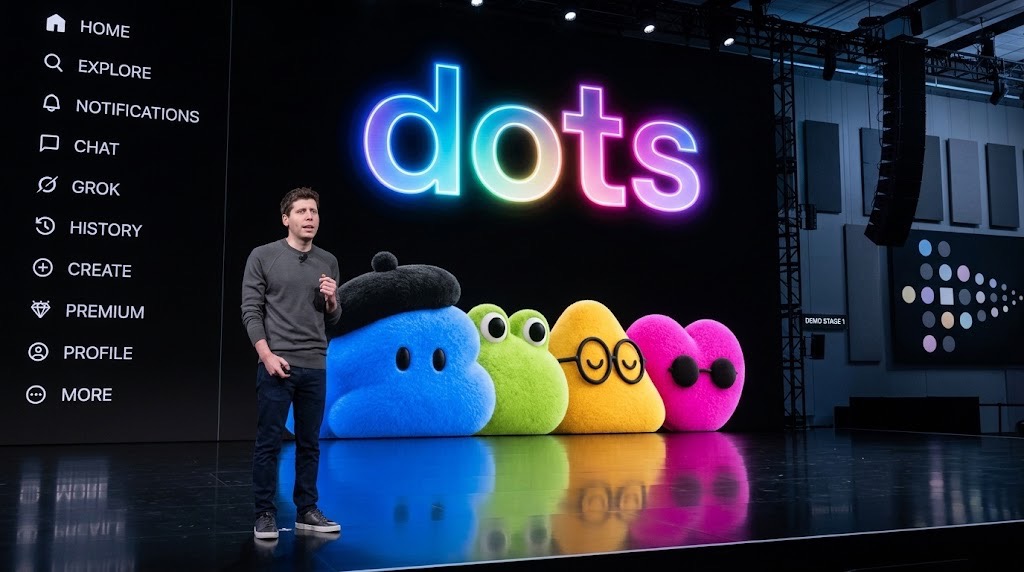
OpenAI has launched Dots, a new class of always-on AI agents designed to keep working on projects even when the user is no longer actively sitting inside a ChatGPT conversation.
Announced at OpenAI’s DevDay on 29 September, each Dot runs on GPT-6 Astra, receives its own cloud computer and browser, and can connect through OpenAI’s plugin ecosystem to more than 4,000 apps. Users can communicate with it through ChatGPT, Slack and Microsoft Teams.
That sounds like another AI-product launch, but the more consequential change is behavioural: the user does not necessarily have to provide every next instruction.
From asking AI questions to assigning it responsibilities
Most people currently use ChatGPT through a simple loop: ask something, receive an answer, refine the request, then leave.
Dots are designed around a different relationship. OpenAI says a Dot can take a project, continue working on it alongside other assignments and monitor new information as it arrives. Its examples include watching customer feedback and preparing software fixes, updating research when new data appears, revising sales proposals as requirements change and turning interview transcripts into content drafts.
Those are OpenAI’s examples rather than independent evidence that Dots will perform each task reliably at scale. But they illustrate the intended shift from prompting an assistant to supervising an agent responsible for an ongoing workflow.
That distinction matters for work. A worker using an AI agent may increasingly spend less time generating every individual output and more time deciding what the agent should access, what success looks like, when it should stop and which decisions require human approval.
TechView Africa has already examined why AI agents should not be allowed to perform every action unsupervised and how permissions are becoming a central AI-security problem. Dots make those questions much less theoretical.
“Always-on” does not mean unlimited authority
OpenAI describes Dots as capable of working towards a user’s goals “24/7,” but there are important limits.
When a user is away, OpenAI says Dots can perform what it calls proactive research using connected tools restricted to read-only access. Those background tools cannot independently send messages, modify app content or control the user’s computer.
Users can also define rules covering what a Dot may do independently, what requires approval and what is blocked. Some sensitive actions, including changing passwords, remain reserved for the user. OpenAI also explicitly warns that Dots can still make mistakes.
The limits matter because persistent agents have more opportunity to encounter changing information, unexpected instructions and situations their original task did not anticipate.
The first demonstrations were not flawless
There is also an early reality check. Reuters reported that several live Dots demonstrations at DevDay ran into problems when agents repeatedly failed to provide requested voice updates. OpenAI attributed the glitches to the volume of updates being rolled out around the event.
That does not establish that the underlying agent failed at long-running work, but it is a useful reminder that a product designed for persistent responsibility still has to prove its reliability outside controlled examples.
What this could change for workers
Dots are beginning to roll out to eligible Pro and Business Premium users, while Enterprise organisations can enable a beta. OpenAI is also testing specialist Dots designed around defined organisational responsibilities.
For workers, including remote professionals across Africa, the immediate implication is not that every knowledge job suddenly disappears, it is that AI supervision may become a more valuable workplace skill.
Defining tasks clearly, limiting access, checking outputs, spotting failures and deciding which actions should remain human responsibilities could become as important as knowing how to write a good prompt.
That direction is already visible in the labour market. TechView Africa’s review of AI job listings across African marketsfound employers increasingly asking for experience with agentic AI, production systems, evaluation and guardrails rather than prompt-writing alone.
Dots push that transition further. The next stage of workplace AI may be less about asking a chatbot to help with a task and more about deciding which responsibilities software can safely keep working on after you leave.
Our Recommendation
Treat Dots as an early example of a broader change from conversational AI towards persistent delegated work, not as proof that businesses can already hand entire jobs to autonomous software.
Workers should pay particular attention to AI-agent supervision, permissions, evaluation and workflow design. Employers should decide in advance which systems an agent may access, which actions require approval and who remains accountable when the agent gets something wrong.
Sources & Verification
Frequently asked questions
What are OpenAI Dots?
Dots are persistent AI agents powered by GPT-6 Astra. They receive their own cloud computer and can work with connected applications while pursuing ongoing goals.
Can Dots really work 24/7?
OpenAI markets Dots as agents that can work towards goals 24/7. However, some unattended activity is restricted, consequential actions may require approval and OpenAI says users should still review important work.
Can a Dot control my computer automatically?
Not by default. OpenAI says each Dot operates from its own cloud computer unless the user explicitly grants permission to connect to another device.
Who can use OpenAI Dots?
OpenAI says Dots are beginning to roll out to eligible Pro and Business Premium users, while Enterprise users can access a beta when enabled by their workspace administrator.
Meta Wants Muse to Help Run Small Businesses. Here’s What Owners Should Keep Under Human Control
50 Remote AI Jobs and Expert Projects Open Across Micro1, Mercor, Outlier and Handshake AI
16,326 Supabase Databases Had Readable Tables. The AI App Boom Is Scaling an Old Security Mistake
Claude Went From Leading Under 1% of Anthropic’s AI R&D to 26% in Six Months. Here’s What That Means

As AI Agents Gain More Control, Cybersecurity Rules Are Being Rewritten

What a 174MW Cape Town Data Centre Plan Reveals About Africa’s AI Infrastructure Challenge
OpenAI Reported Its AI-Agent ‘Wiki Incident’ to the EU: Here’s What Happened
Follow TechView Africa on WhatsApp
Get TechView Africa updates on WhatsApp. Follow our channel for practical technology news, product guides and digital trends from Nigeria and across Africa.
Leave a comment
Comments cannot be edited or deleted after posting. Please review your comment before submitting.
No comments yet. Start the conversation.